E-mail: touchtec@sztouchtec.com


Modern manufacturing operations depend on reliable computing systems to control machinery, collect data, and support automation. From factory automation and robotics to quality inspection and MES integration, selecting the right industrial computer directly affects productivity, uptime, and system stability.
1. Understand the Manufacturing Environment
The first step in selecting an industrial computer is to assess the physical and operational environment.
Key environmental factors include:
a. Temperature range: Many factories operate in high-heat or cold conditions. Choose a system rated for wide operating temperatures (-20°C to 60°C or higher).
b. Dust and moisture exposure: For washdown areas or dusty workshops, look for IP65 or higher protection.
c. Vibration and shock: CNC machines, stamping presses, and conveyors require fanless, solid-state designs.
d. EMI and electrical noise: Industrial PCs should comply with industrial EMC standards for stable operation.
An industrial computer designed for harsh manufacturing conditions will significantly outperform a standard commercial PC in reliability and lifespan.
2. Match Performance to Application Needs
Different manufacturing tasks require different levels of computing power.
Typical workloads include PLC and HMI control, machine vision inspection, data logging and edge analytics, SCADA and MES integration.
Selection Criteria:
CPU: Intel® Core™, Celeron®, or industrial-grade ARM processors, depending on workload intensity.
Memory: 8GB–32GB RAM for multitasking and real-time data processing.
Storage: SSD or NVMe for vibration resistance and fast boot times
Avoid over-specifying hardware. Instead, balance performance with power consumption and thermal stability.
3. Evaluate Industrial I/O and Connectivity
Manufacturing operations rely heavily on field devices and legacy equipment.
A suitable industrial computer should support the following ports
a. Serial ports (RS-232/422/485) for PLCs and sensors
b. Digital I/O for machine control
c. USB and GPIO for peripheral integration
d. LAN, Wi-Fi, and 4G/5G for factory network communication
For Industry 4.0 and smart manufacturing, ensure compatibility with Ethernet/IP, Modbus TCP, PROFINET, and OPC UA.
Connectivity flexibility ensures the industrial computers' smooth integration with existing automation systems.
4. Choose the Right Form Factor
Industrial computers come in several form factors designed for different installation methods:
Industrial Panel PCs: All-in-one HMI and computing for operator interfaces
Box PCs / Embedded PCs: Compact units for control cabinets
Rackmount industrial PCs: High-performance systems for server rooms
DIN-rail industrial computers: Space-saving designs for control panels
The best form factor depends on the mounting location, available space, maintenance access, and thermal management needs.
5. Ensure Long-Term Availability and Lifecycle Support
Unlike consumer PCs, manufacturing systems require a stable supply over many years. When looking for industrial computers, please consider the product lifecycle (usually 5–10 years), long-term CPU availability, and vendor technical documentation and BIOS support. This reduces redesign costs and ensures compatibility for system upgrades and spare parts.
6. Prioritize Reliability and Certification
Industrial computers used in manufacturing should meet recognized standards, such as CE / FCC, UL / IEC, EN 61000 (EMC), shock, and vibration certifications. Some additional features to improve reliability, such as a fanless thermal design, wide-range DC power input (9–36V or 12–36V), Watchdog timers, and TPM modules for system security. These features are essential for continuous 24/7 factory operation.
7. Consider Software Compatibility
Ensure the industrial computer supports your required operating systems and software stack. For example, Windows 10/11 IoT, Android, Linux Ubuntu, or Debian.
It should also support PLC programming software and SCADA platforms, vision system frameworks, and custom automation applications. Driver availability and OS stability are critical to avoid deployment delays.
8. Factor in Future Scalability
Manufacturing operations often evolve with new machines and digital transformation initiatives. Thus, when choosing an industrial computer that supports expansion slots (PCIe, M.2), GPU acceleration for AI vision, additional LAN or COM ports, and Edge AI modules.
Scalable systems protect your investment as production lines modernize.
Conclusion
Choosing the best industrial computer for manufacturing operations requires a balanced evaluation of environment, performance, connectivity, and long-term support. Unlike commercial PCs, industrial computers are engineered for harsh conditions, continuous operation, and automation integration.
By selecting an industrial computer designed for manufacturing applications, factories can improve system reliability, reduce downtime, and support future smart manufacturing initiatives.
A well-matched industrial computer becomes the backbone of modern factory automation—supporting control, data collection, and intelligent decision-making across the production floor.
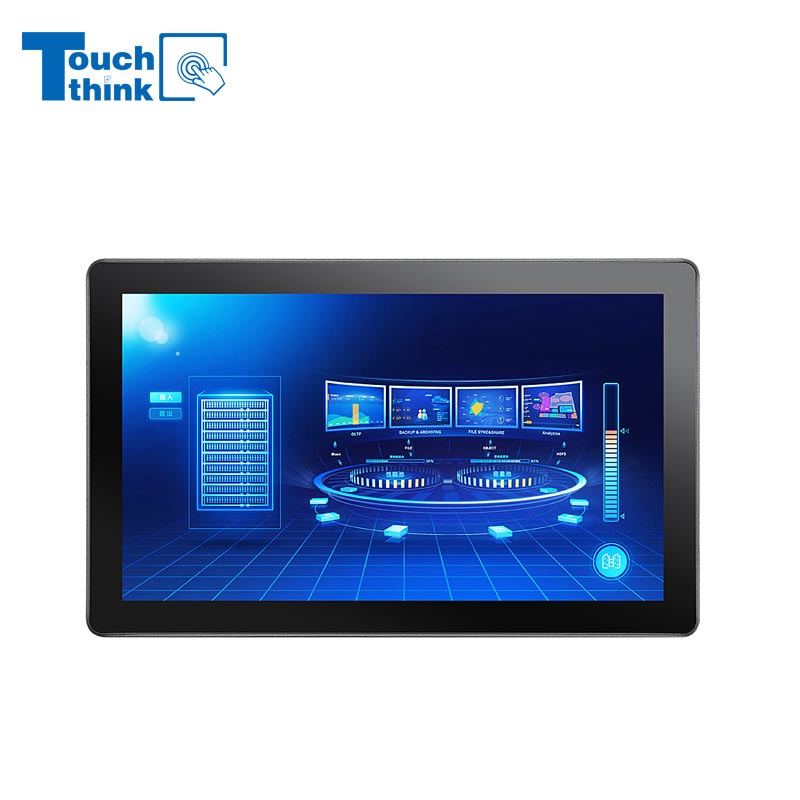
7 inch to 32 inch Options Rear Mount Wide Temperature 24/7 Operation Industrial LCD Monitor VIEW MORE
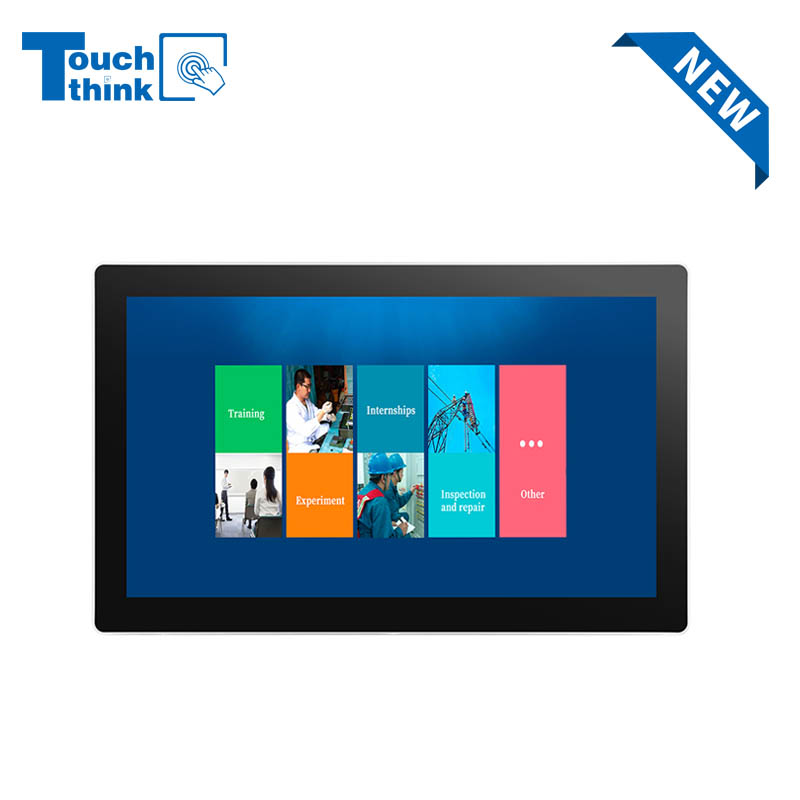
IP65 Wall-Mounted Industrial Touch Screen Monitor | Waterproof HMI Display VIEW MORE
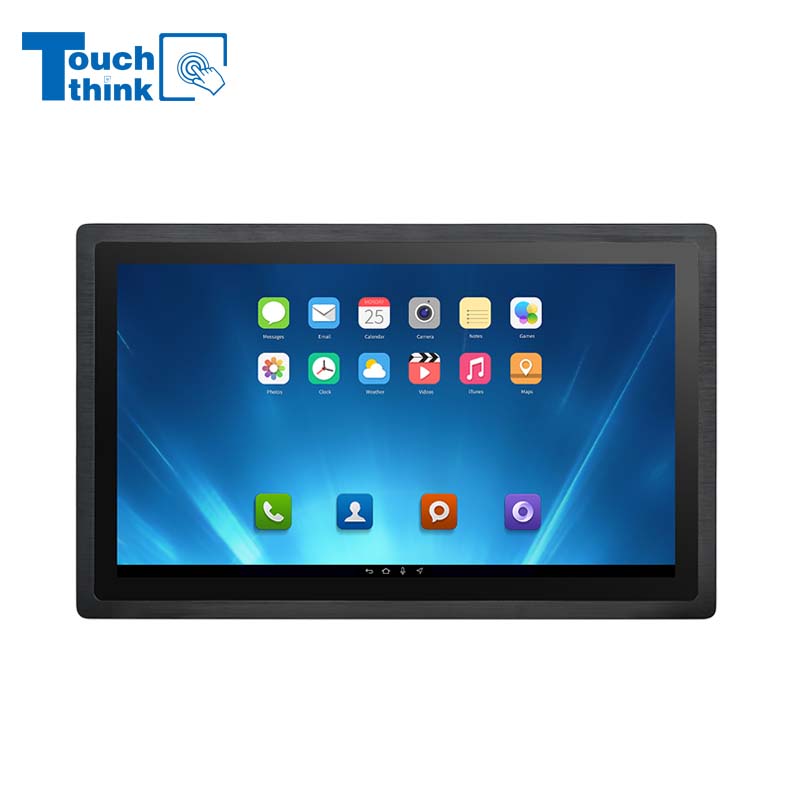
23.8 Inch Industrial Panel PC, Slim Ultra-Thin Design, Multiple I/O Ports, Rugged Touch Computer for IIoT VIEW MORE
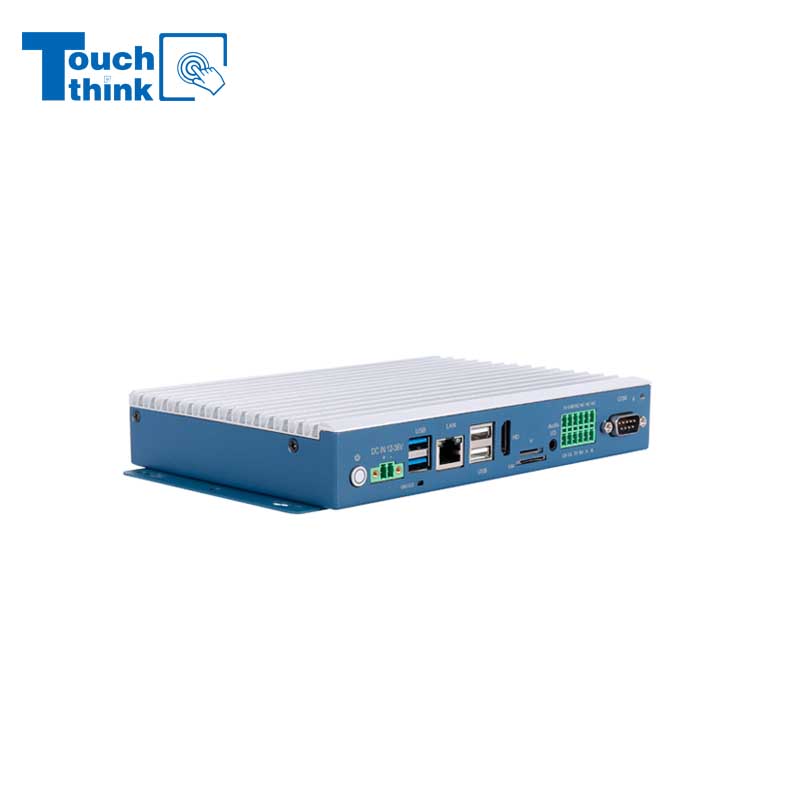
Embedded Fanless Computer ARM Cortex-A55 Quad-Core 64-bit Computers with 1TOPS NPU and Wi-Fi 6 Capabilities VIEW MORE
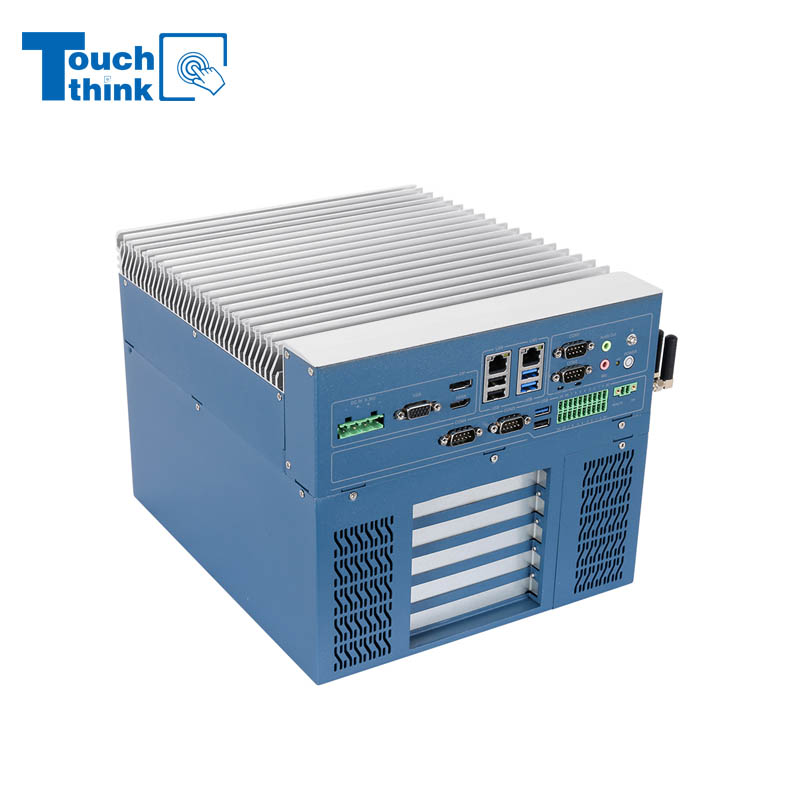
High Expandability Industrial Embedded PC with Expansion Slots PCIex16 PCIex4 9 to 36V Input VIEW MORE
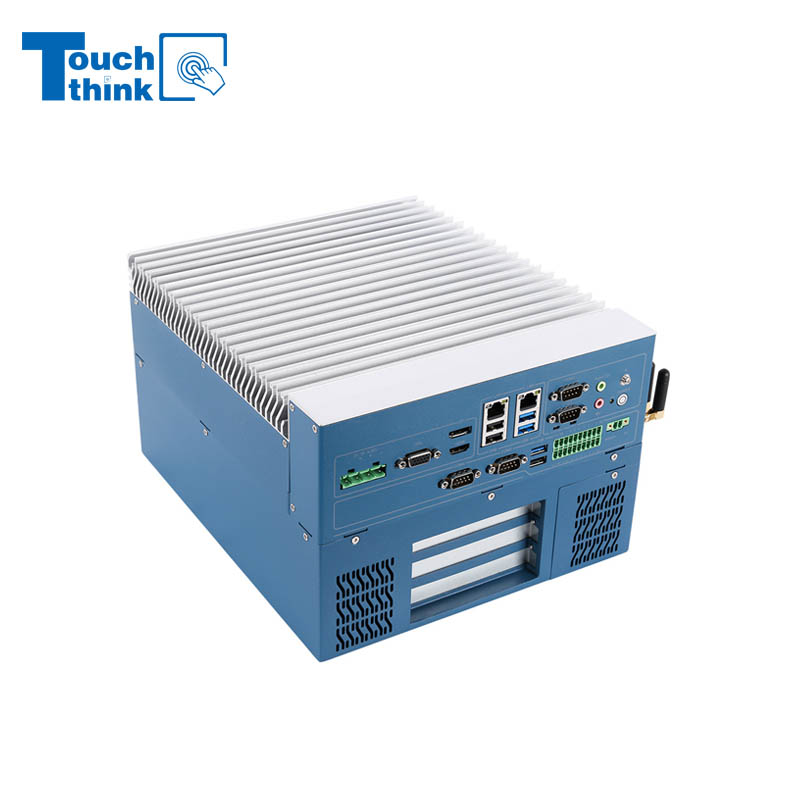
Modular Embedded Computer with Intel® Core 12/13/14th-Gen Processor 2.5GbE LAN VIEW MORE
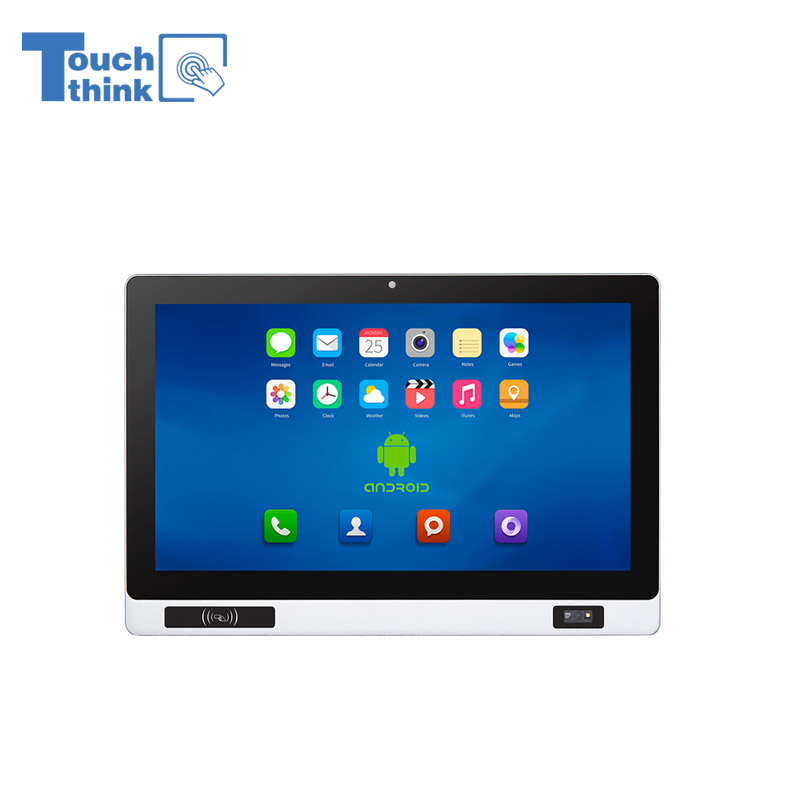
Industrial Panel PC with NFC and QR Code Scanning Functions for Smart Factory VIEW MORE
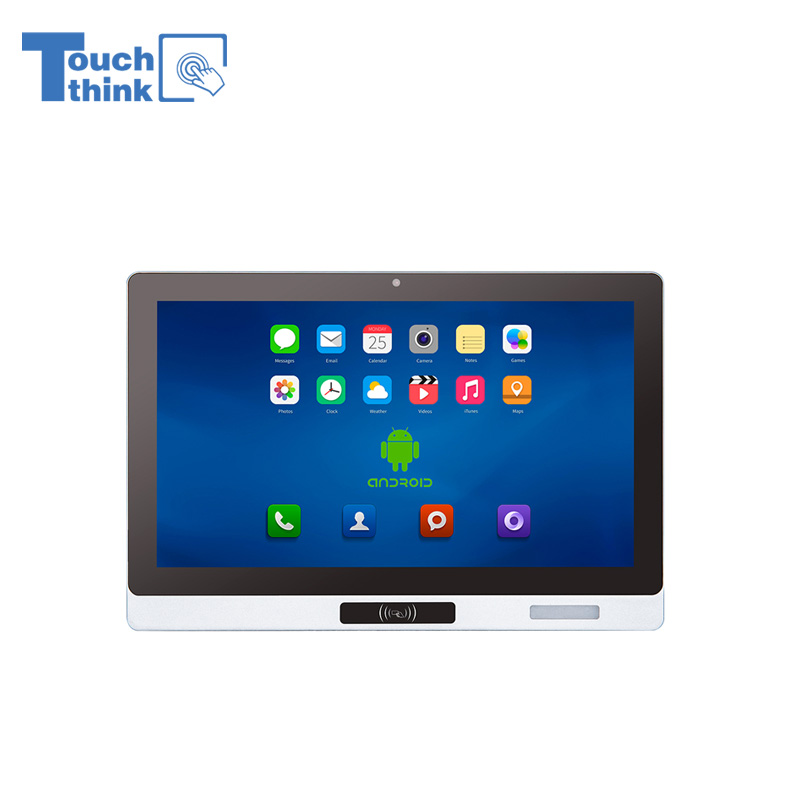
All-in-One Android Panel PCs with NFC/Camera For MES System in Digital Factory 24/7 Use VIEW MORE
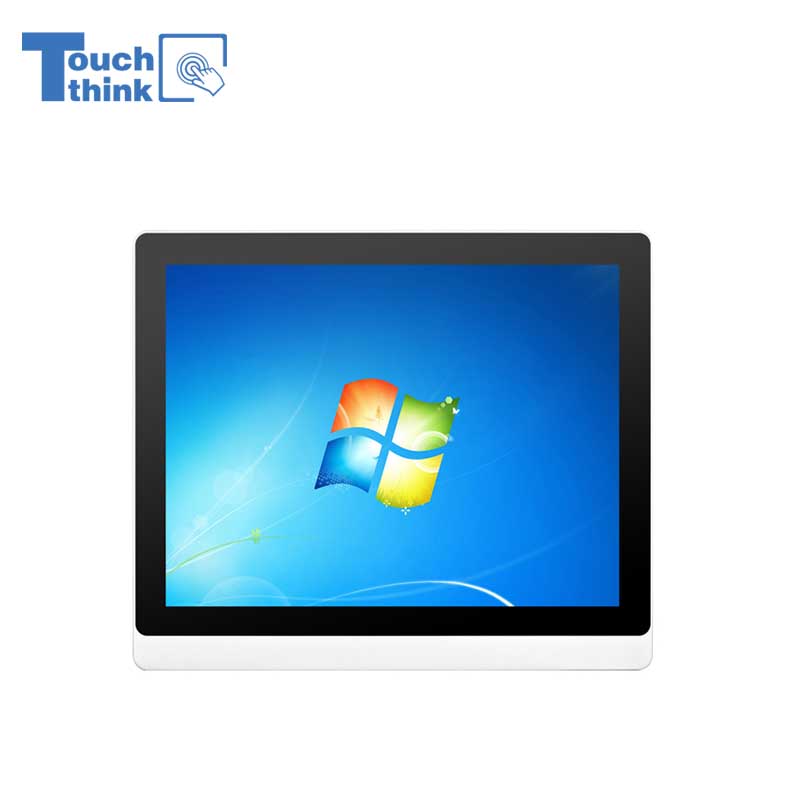
VESA Mount Industrial Touch Panel PC with i3 i5 i7 Processor Desktop Computer 8GB DDR4 128GB SSD VIEW MORE
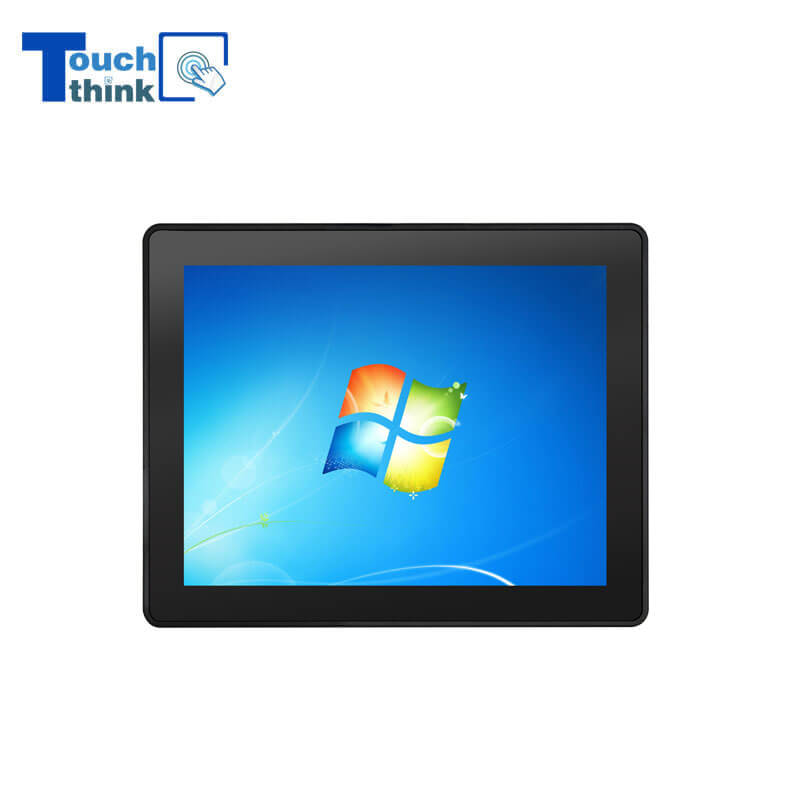
Rugged IP65 Industrial Touchscreen Computer Industrial HMI Panel PC VIEW MORE

8 inch Facial Recognition Terminal For Turnstile Access Control VIEW MORE
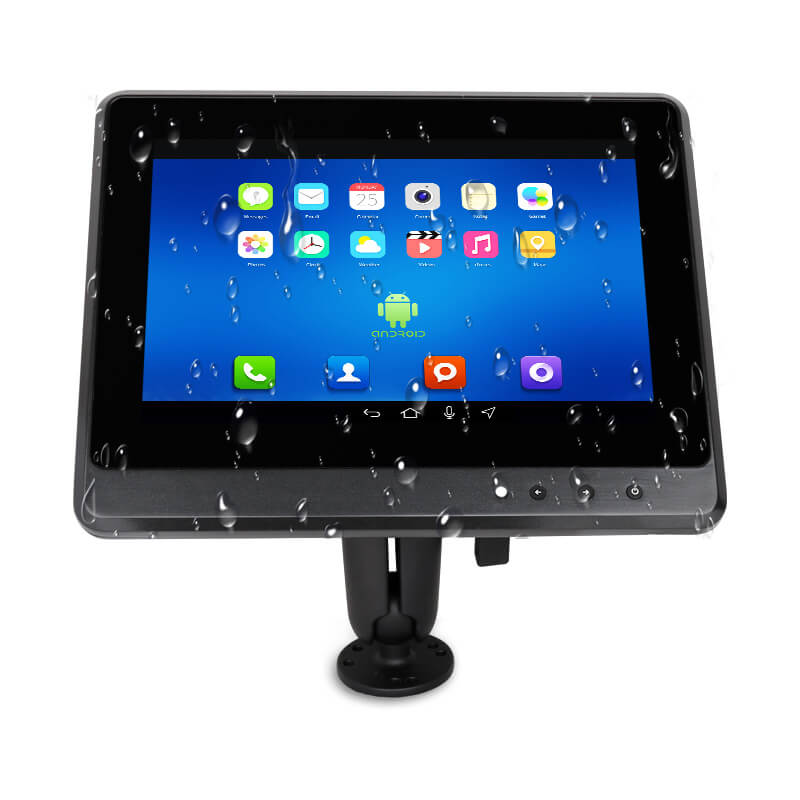
Android In-Vehicle Industrial Panel PC Vehicle AGV Computer VIEW MORE

Copyright © Shenzhen Touch Think Intelligence Co.,Ltd. All Rights Reserved Update cookies preferences