E-mail: touchtec@sztouchtec.com


Industrial Panel Computers (also known as Industrial Panel PCs or HMI panel PCs) are widely used in factories, control cabinets, production lines, and outdoor automation systems. They are designed for 24/7 operation and harsh environments. However, screen flickering is a common issue that can affect visibility, productivity, and system stability.
Industry Background: Industrial Panel PCs in Automation Systems
Industrial Panel Computers integrate an industrial monitor and an embedded computer into one unit. They are widely deployed in industrial automation and PLC control, CNC machines and robotics, smart manufacturing (Industry 4.0), smart charging stations and energy systems, transportation and traffic control, food processing and pharmaceutical production.
Because these systems often run continuously in electrically noisy environments, display stability is critical. Flickering screens not only reduce usability but may indicate deeper hardware or electrical problems.
Common Symptoms of Flickering on Industrial Panel Computers
Typical flickering issues include:
a. Screen brightness is fluctuating rapidly
b. Horizontal or vertical lines appearing
c. Image blinking or flashing
d. Display going black intermittently
e. Color distortion or unstable backlight
These symptoms can appear intermittently or continuously, depending on the root cause.
Main Causes of Industrial Panel PC Flickering
1. Unstable Power Supply
Industrial environments often suffer from voltage fluctuations and electrical interference.
Causes:
a. Inadequate or aging power adapters
b. Poor grounding
c. Shared power lines with heavy machinery
Impact:
Unstable voltage causes the LCD backlight and controller board to behave abnormally, leading to visible flicker.
2. Electromagnetic Interference (EMI)
Motors, inverters, welding machines, and variable frequency drives (VFDs) generate electromagnetic noise.
Causes:
a. Improper cable shielding
b. Weak EMI protection in the panel PC
c. Routing display cables near high-current lines
Impact:
Signal distortion between the motherboard and display panel can result in blinking or unstable images.
3. Loose or Damaged Display Cables
Inside industrial panel computers, LVDS or eDP cables connect the motherboard to the LCD panel.
Causes:
a. Long-term vibration
b. Poor connector locking
c. Cable aging or oxidation
Impact:
Intermittent signal loss leads to flickering or random black screens.
4. Backlight or Inverter Failure
The LED backlight system is one of the most failure-prone components.
Causes:
a. Aging LED strips
b. Failing inverter board
c. Excessive heat buildup
Impact:
Uneven brightness or pulsing light output causes noticeable flicker.
5. Driver or Software Issues
Although industrial panel PCs are hardware-focused, software still plays a role.
Causes:
a. Incorrect graphics driver
b. OS updates causing incompatibility
c. BIOS configuration conflicts
Impact:
Display refresh rate instability or resolution mismatch can create flicker-like behavior.
5. Driver or Software Issues
Although industrial panel PCs are hardware-focused, software still plays a role.
Causes:
a. Incorrect graphics driver
b. OS updates causing incompatibility
c. BIOS configuration conflicts
Impact:
Display refresh rate instability or resolution mismatch can create flicker-like behavior.
6. Extreme Temperature Conditions
Industrial environments may operate beyond typical commercial temperature ranges.
Causes:
a. Low temperatures affecting LCD liquid crystals
b. High temperatures are damaging backlight circuits
Impact:
Display response time slows, and flickering may occur during startup or prolonged operation.
How to Fix Flickering on an Industrial Panel Computer
1. Check Power Stability
a. Use a regulated industrial power supply (24V DC recommended)
b. Measure voltage with a multimeter
c. Improve grounding and add surge protection
2. Improve EMI Protection
a. Use shielded signal cables
b. Separate display cables from motor or inverter wiring
c. Install ferrite cores and EMI filters
d. Choose industrial panel PCs with certified EMC protection
3. Inspect Internal Connections
a. Power off the system and reseat LVDS/eDP cables
b. Check for oxidation or bent pins
c. Replace damaged cables
4. Replace Backlight or LCD Module
If flickering persists after electrical checks:
a. Replace LED backlight strip
b. Replace the inverter board
c. Consider full LCD panel replacement
This is often the most effective long-term solution.
5. Update Drivers and BIOS
a. Install official graphics drivers
b. Lock refresh rate and resolution in BIOS/OS
c. Avoid unstable beta firmware
6. Use Industrial-Grade Components
Choose industrial panel PCs with wide-temperature LCD panels, long-life LED backlights (50,000+ hours), anti-vibration mounting design, and industrial power circuits.
Preventing Flickering in Future Installations
To reduce the risk of flickering, please select the industrial panel PCs with industrial EMI shielding, use panel-mount designs with metal enclosures, choose wide-voltage input (9–36V DC) models, install in a well-ventilated control cabinet, and perform regular preventive maintenance.
Proper system design at the beginning greatly reduces display-related failures.
Conclusion
If your industrial panel computer is flickering, the most common causes are unstable power supply, electromagnetic interference, loose display cables, or aging backlight components. Software and temperature conditions can also contribute to the issue.
By systematically checking power quality, EMI protection, internal connections, and backlight health, most flickering problems can be resolved quickly. For mission-critical applications, using high-quality industrial panel PCs with certified EMC and wide-temperature LCD panels is the best long-term solution.
Solving flickering issues not only improves visibility but also ensures stable operation in industrial automation systems.
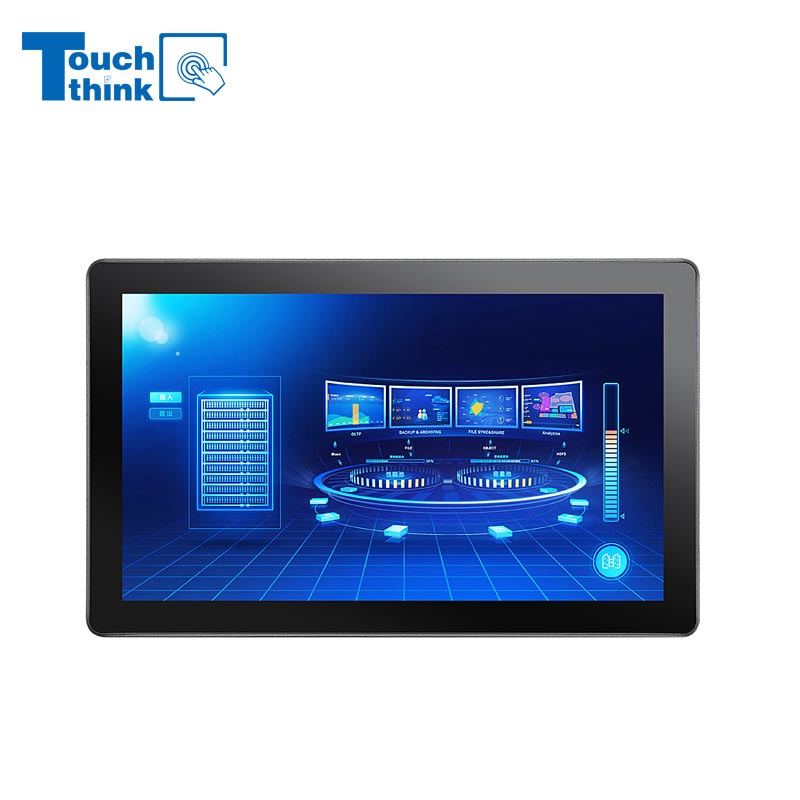
7 inch to 32 inch Options Rear Mount Wide Temperature 24/7 Operation Industrial LCD Monitor VIEW MORE
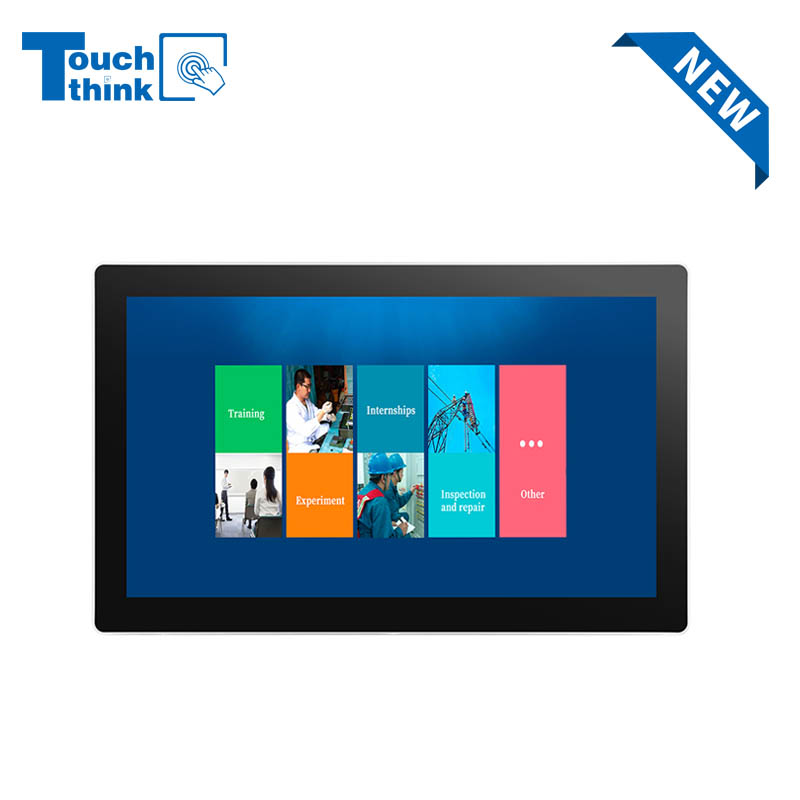
IP65 Wall-Mounted Industrial Touch Screen Monitor | Waterproof HMI Display VIEW MORE
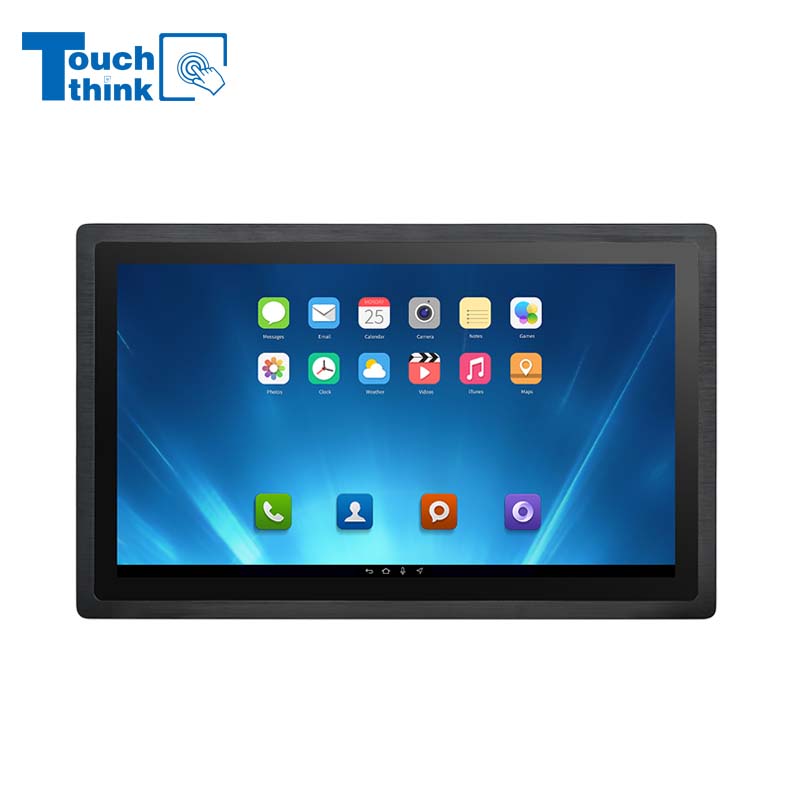
23.8 Inch Industrial Panel PC, Slim Ultra-Thin Design, Multiple I/O Ports, Rugged Touch Computer for IIoT VIEW MORE
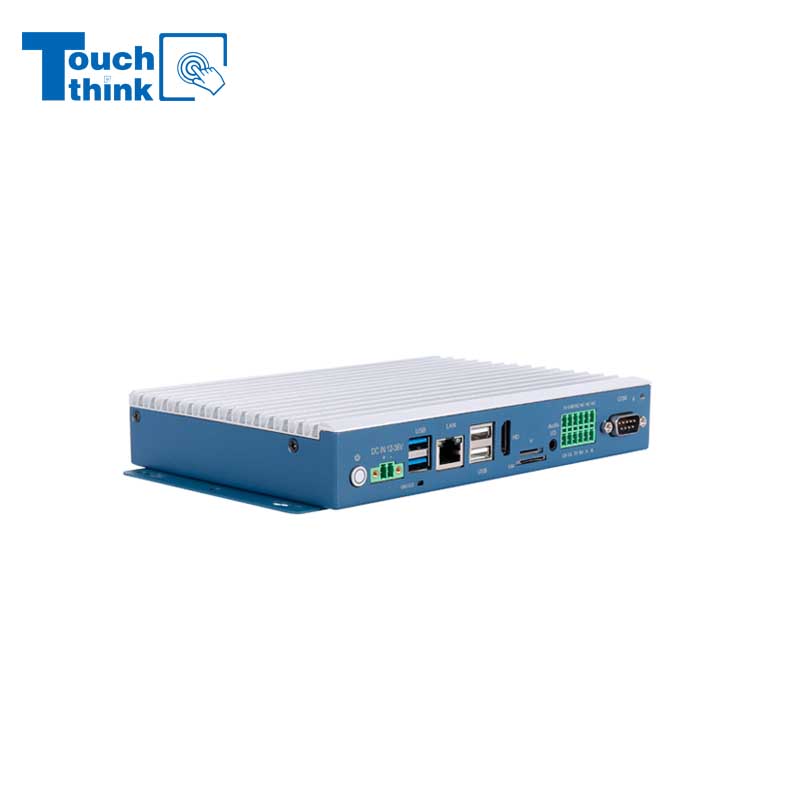
Embedded Fanless Computer ARM Cortex-A55 Quad-Core 64-bit Computers with 1TOPS NPU and Wi-Fi 6 Capabilities VIEW MORE
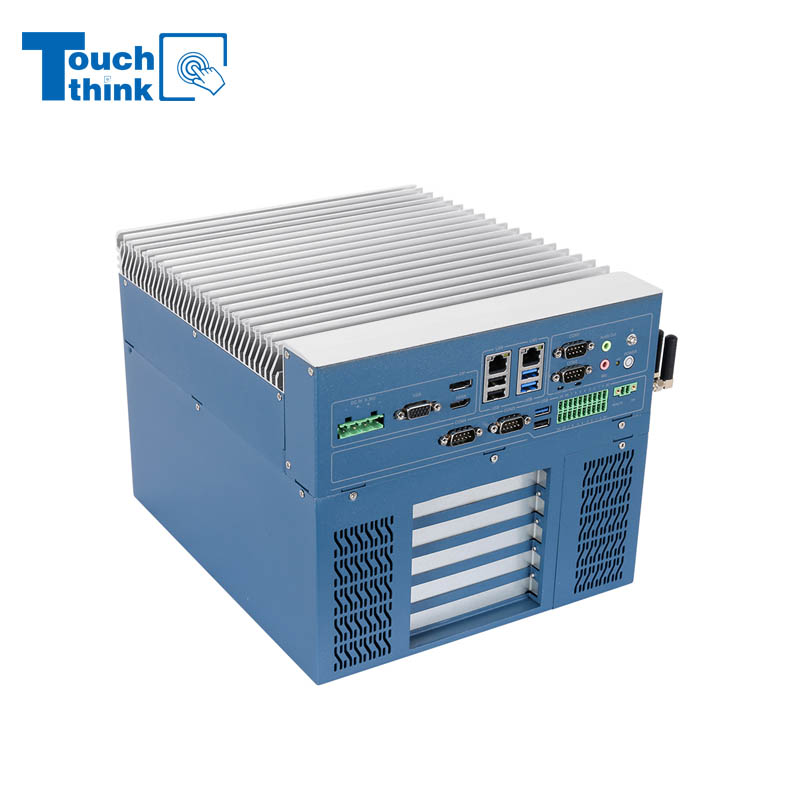
High Expandability Industrial Embedded PC with Expansion Slots PCIex16 PCIex4 9 to 36V Input VIEW MORE
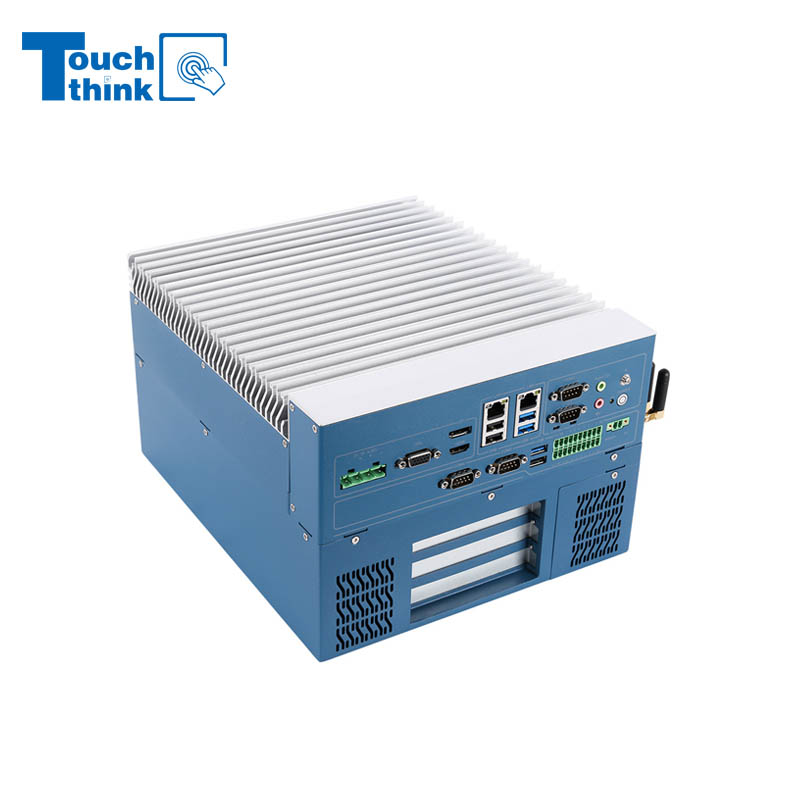
Modular Embedded Computer with Intel® Core 12/13/14th-Gen Processor 2.5GbE LAN VIEW MORE
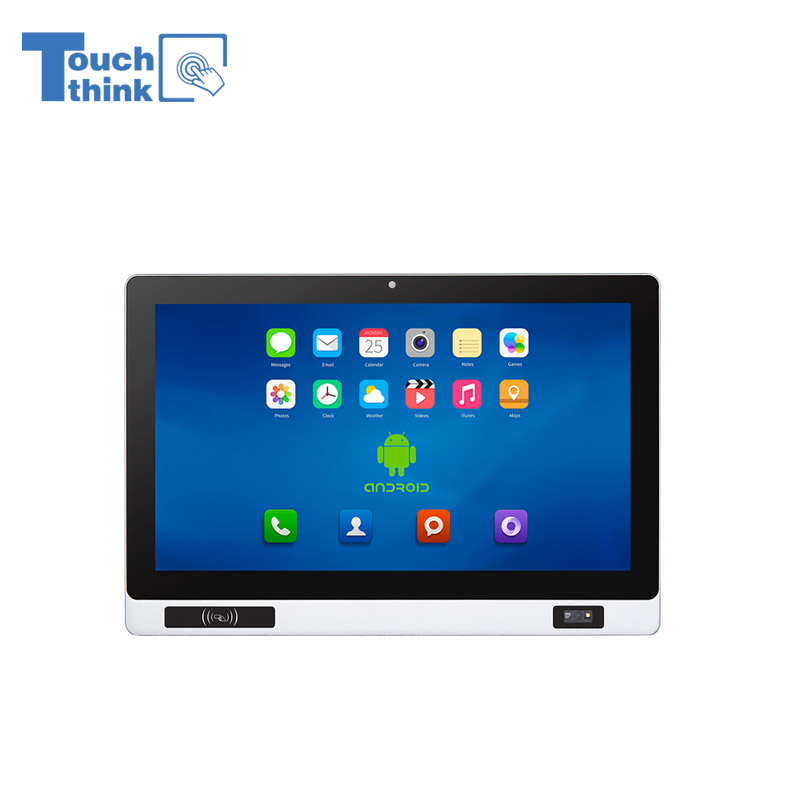
Industrial Panel PC with NFC and QR Code Scanning Functions for Smart Factory VIEW MORE
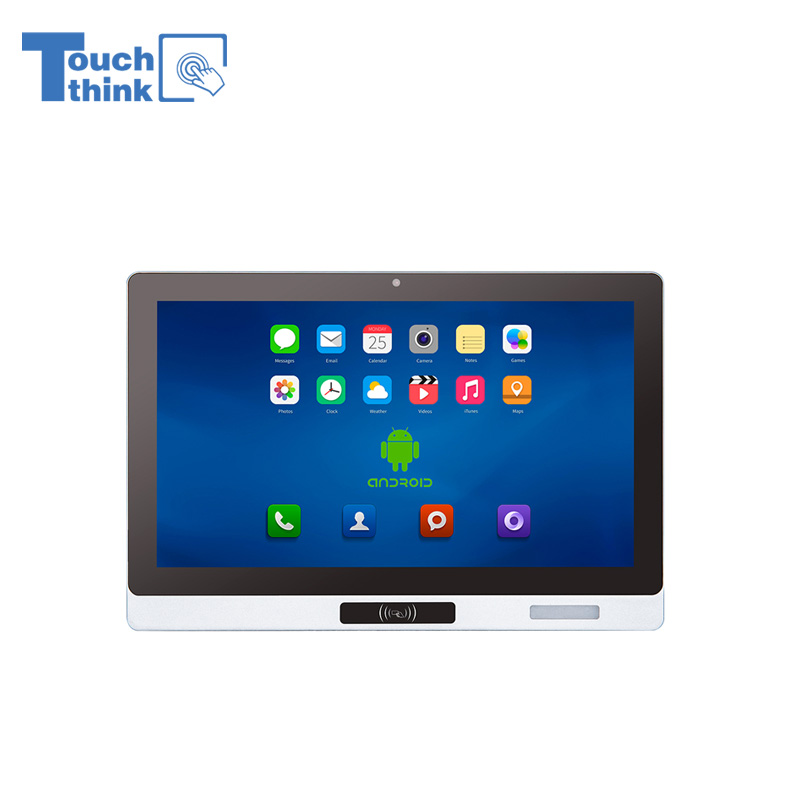
All-in-One Android Panel PCs with NFC/Camera For MES System in Digital Factory 24/7 Use VIEW MORE
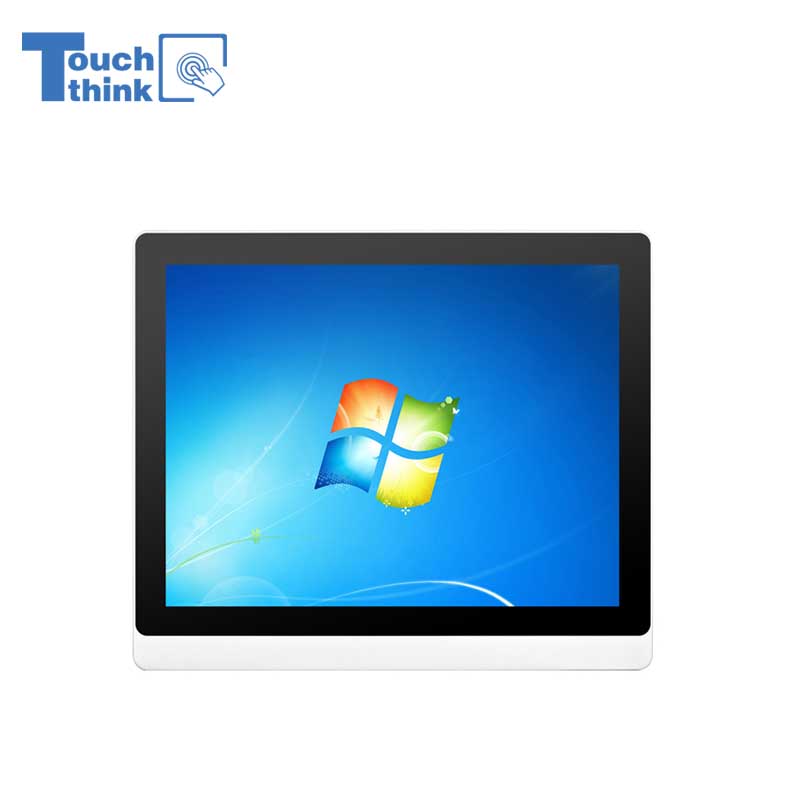
VESA Mount Industrial Touch Panel PC with i3 i5 i7 Processor Desktop Computer 8GB DDR4 128GB SSD VIEW MORE
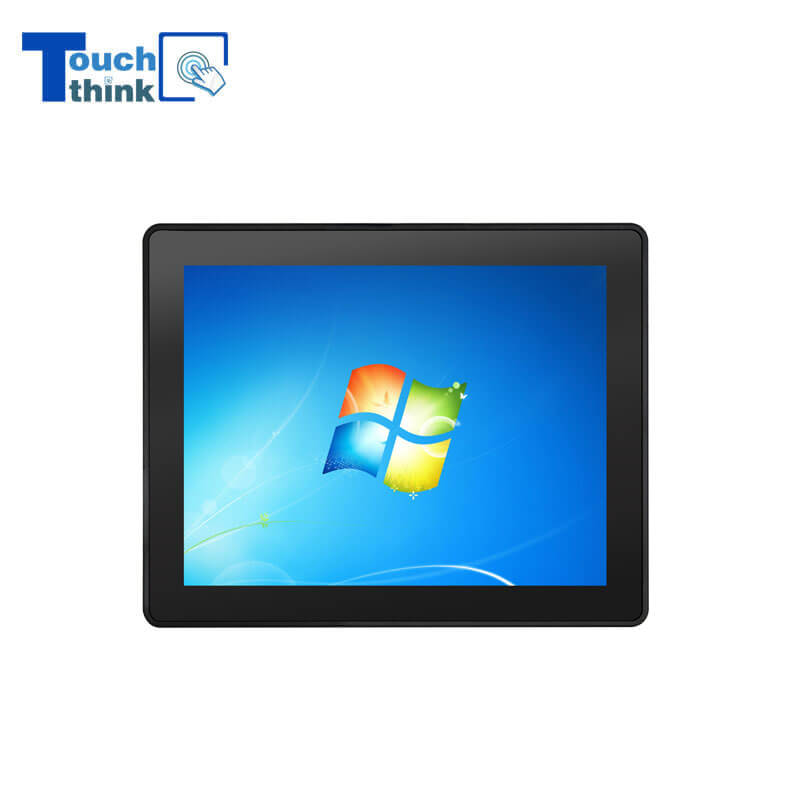
Rugged IP65 Industrial Touchscreen Computer Industrial HMI Panel PC VIEW MORE

8 inch Facial Recognition Terminal For Turnstile Access Control VIEW MORE
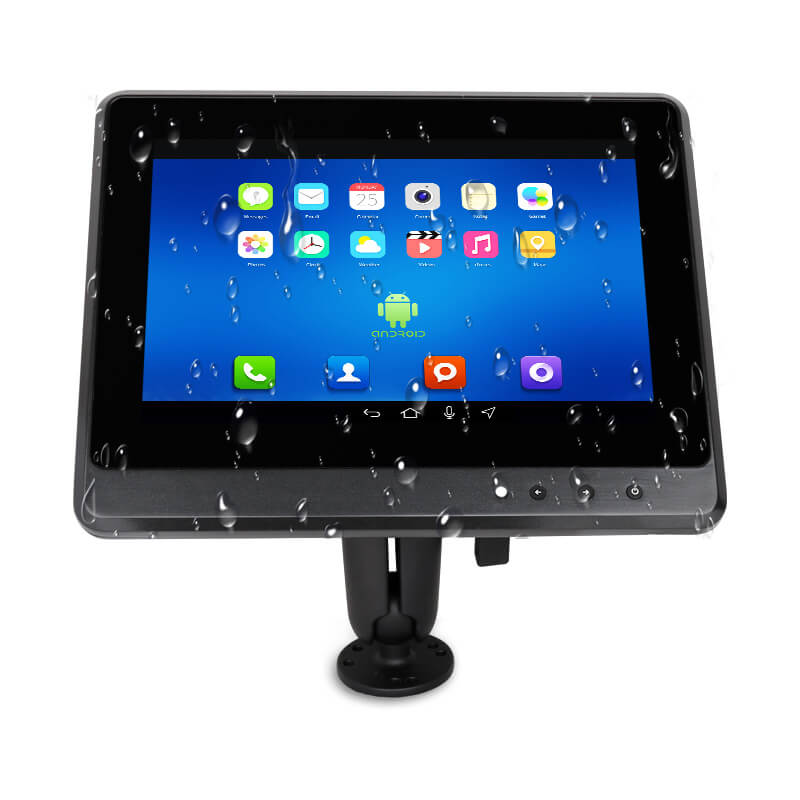
Android In-Vehicle Industrial Panel PC Vehicle AGV Computer VIEW MORE

Copyright © Shenzhen Touch Think Intelligence Co.,Ltd. All Rights Reserved Update cookies preferences