E-mail: touchtec@sztouchtec.com


Since the introduction of Industry 4.0 intelligent manufacturing, the scope of use in industry has become more and more extensive, and touch displays will also have some failures during use, such as switch failure. What causes the display switch failure? Industrial Touch Display Monitor Supplier Come to share with everyone
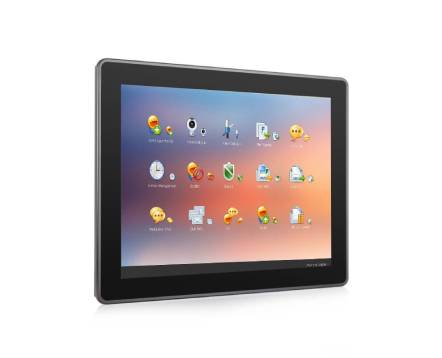
Industrial Touch Display Monitor
There are usually four reasons for the failure of the touch display switch:
1. The switch button of the touch display has not been operated for a long time, and its internal contacts are oxidized, resulting in excessive contact resistance;
2. The touch display switch has poor contact caused by solder joints or loose connections or loose connectors;
3. The inside of the touch display button or the button board is stained, and there is a leakage point;
4. There is an error in the control program inside the touch display.
What should I do if the touch monitor switch fails? The supplier recommends that everyone try to repeatedly press the failed switch button many times, so that the switch contacts will operate frequently, which will promote the wear of the oxide layer and improve the contact. If it still doesn't work, you need to find a professional to solve it. In addition, the touch display also needs to be calibrated, specifically there are two situations where calibration is required:
①Calibration is required when the resolution of Industrial Touch Monitors is changed or replaced. The monitor sizes of different brands and models are obviously different, corresponding to different optimal resolutions. When the resolution is changed, the displayed image will be stretched horizontally or vertically, so that the touch screen coordinates do not correspond to the program coordinates, and calibration is required at this time.
②Replace the computer host, the relative position of the touch screen and the display has not changed. However, after the computer host is replaced, the corresponding coordinates cannot be guaranteed to be consistent with the original host. In this case, the touch display also needs to be calibrated.
The above content is about the cause analysis and solutions of the touch display switch failure, as well as the problem of calibration. Through these contents, everyone should have a better understanding of touch monitors. If you have any doubts or need to buy Industrial Monitors, please feel free to contact us.
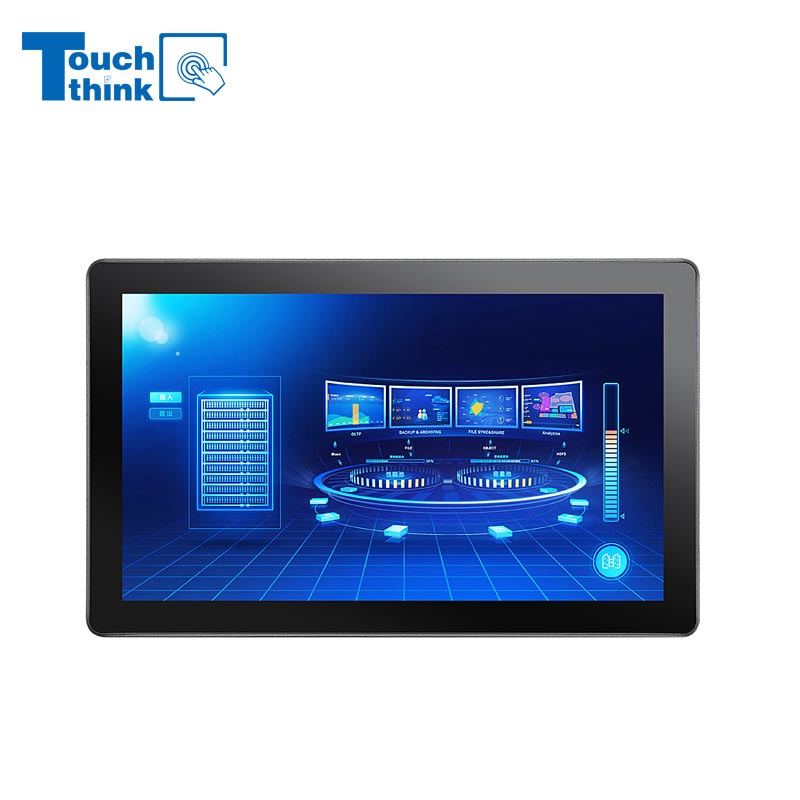
7 inch to 32 inch Options Rear Mount Wide Temperature 24/7 Operation Industrial LCD Monitor VIEW MORE
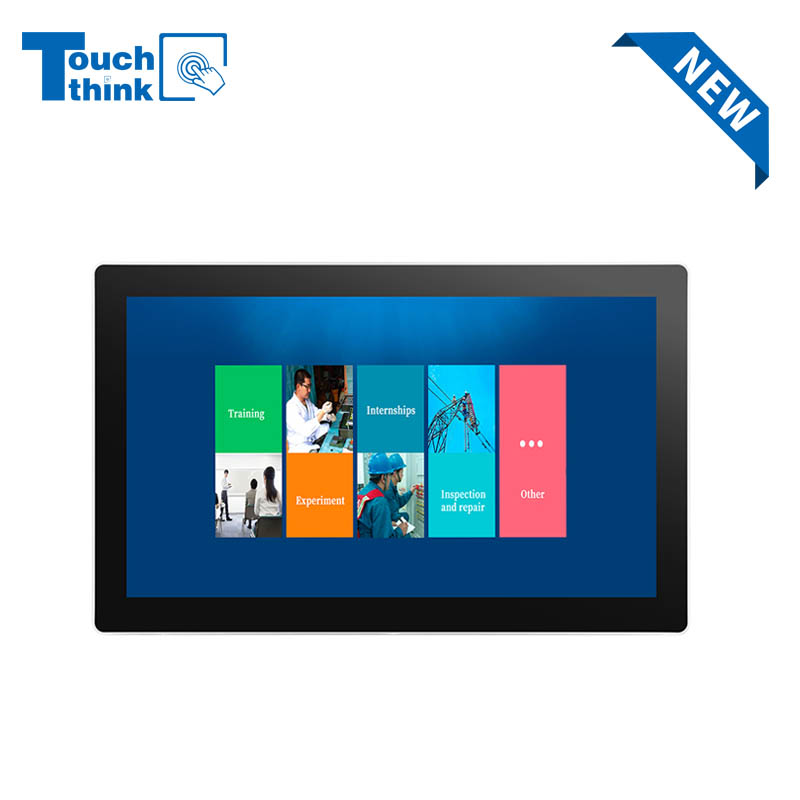
IP65 Wall-Mounted Industrial Touch Screen Monitor | Waterproof HMI Display VIEW MORE
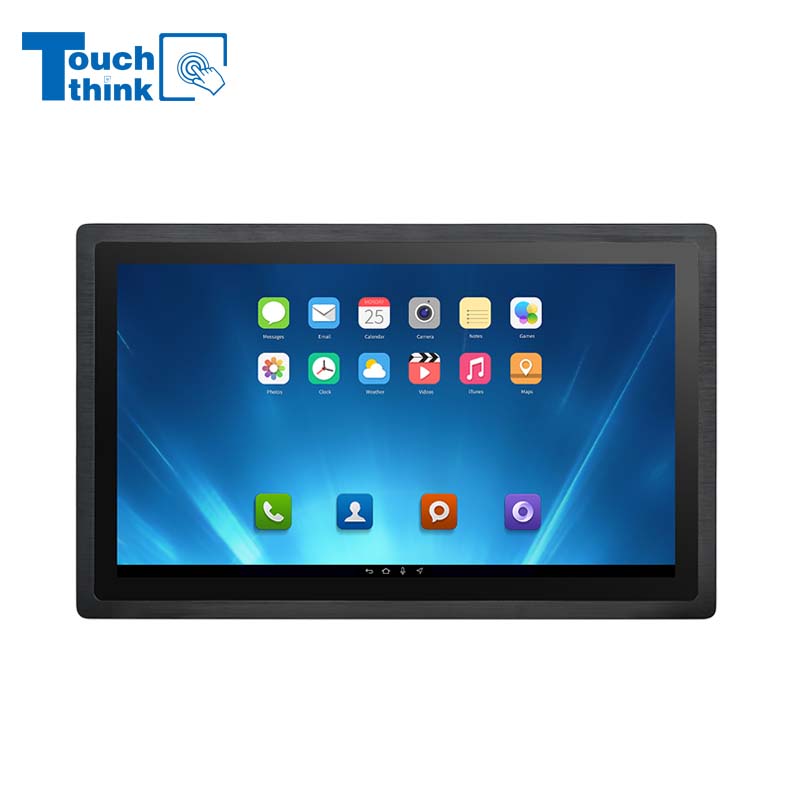
23.8 Inch Industrial Panel PC, Slim Ultra-Thin Design, Multiple I/O Ports, Rugged Touch Computer for IIoT VIEW MORE
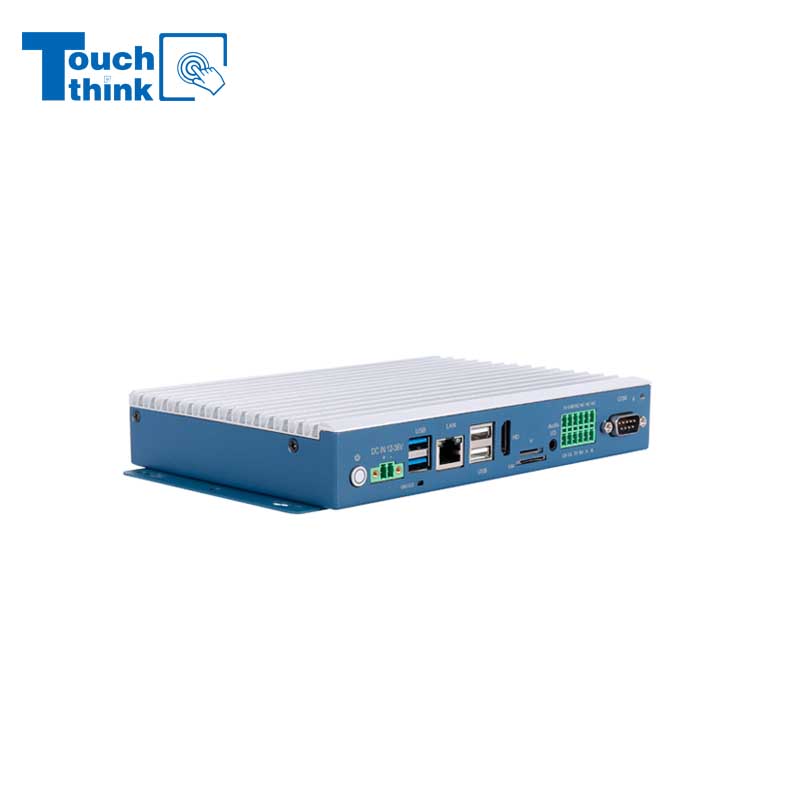
Embedded Fanless Computer ARM Cortex-A55 Quad-Core 64-bit Computers with 1TOPS NPU and Wi-Fi 6 Capabilities VIEW MORE
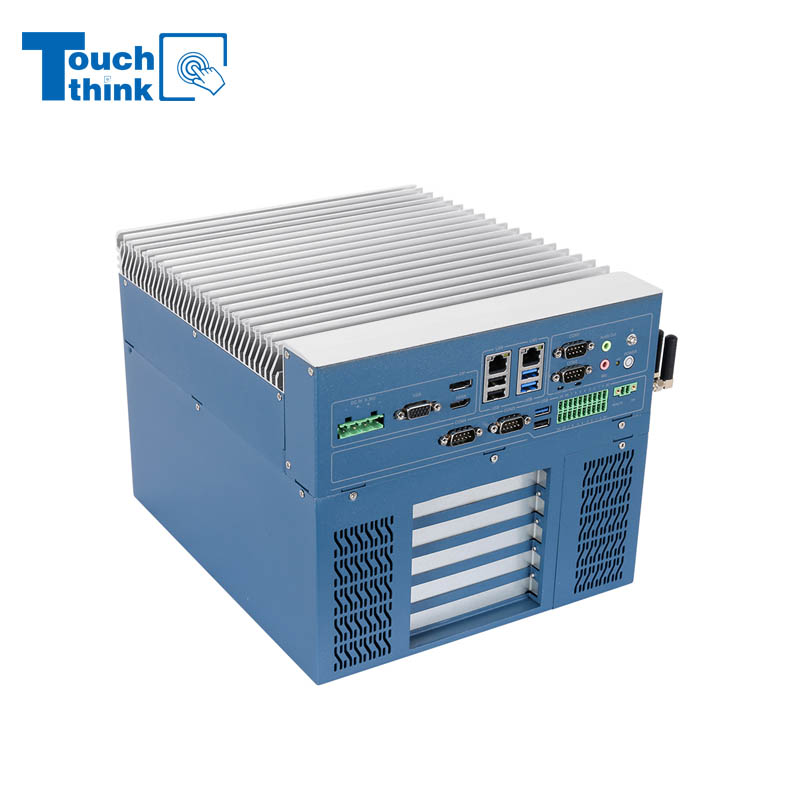
High Expandability Industrial Embedded PC with Expansion Slots PCIex16 PCIex4 9 to 36V Input VIEW MORE
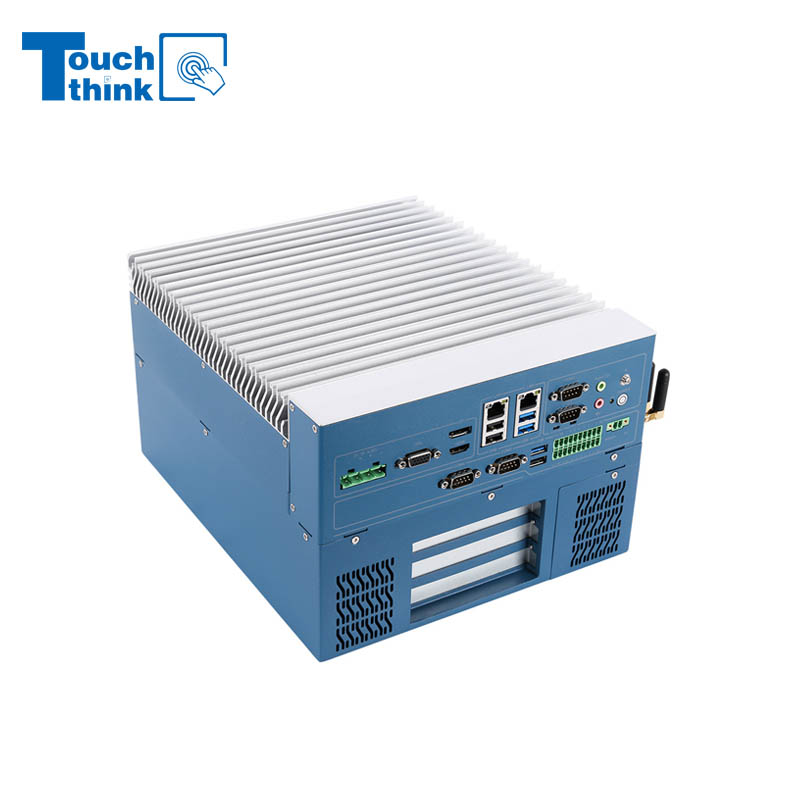
Modular Embedded Computer with Intel® Core 12/13/14th-Gen Processor 2.5GbE LAN VIEW MORE
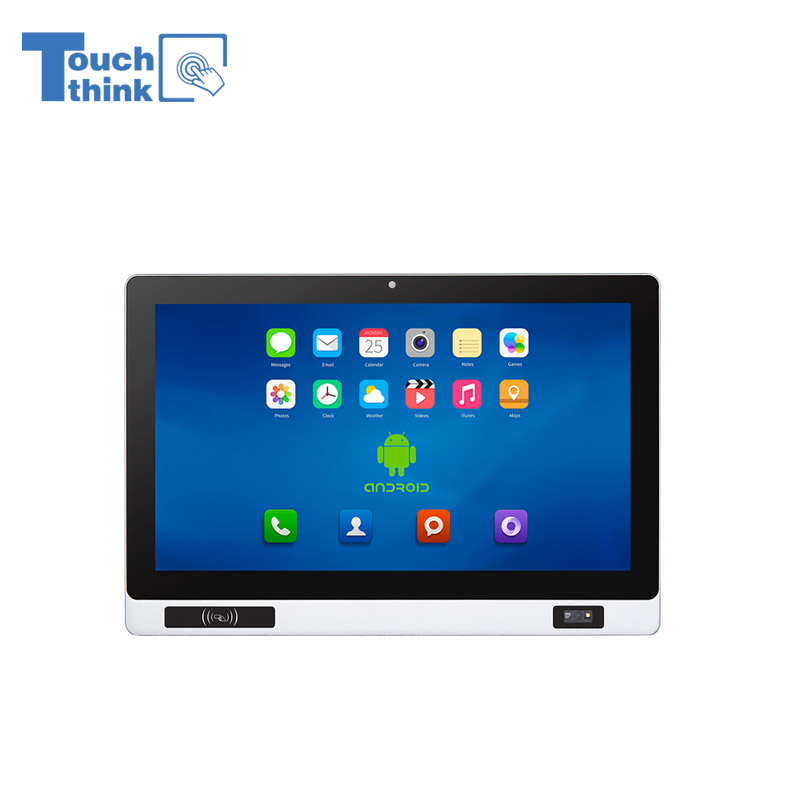
Industrial Panel PC with NFC and QR Code Scanning Functions for Smart Factory VIEW MORE
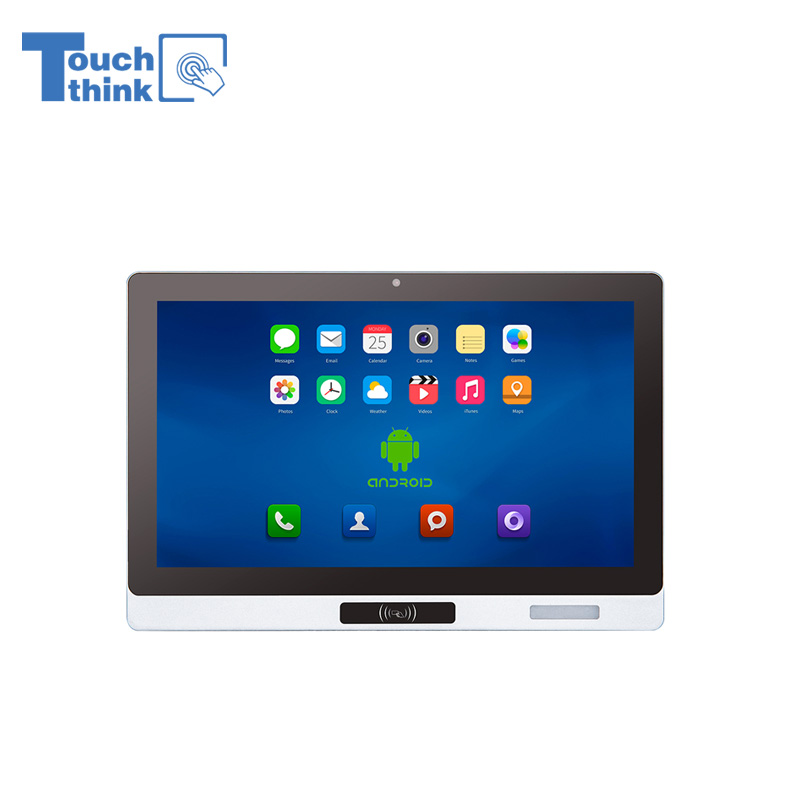
All-in-One Android Panel PCs with NFC/Camera For MES System in Digital Factory 24/7 Use VIEW MORE
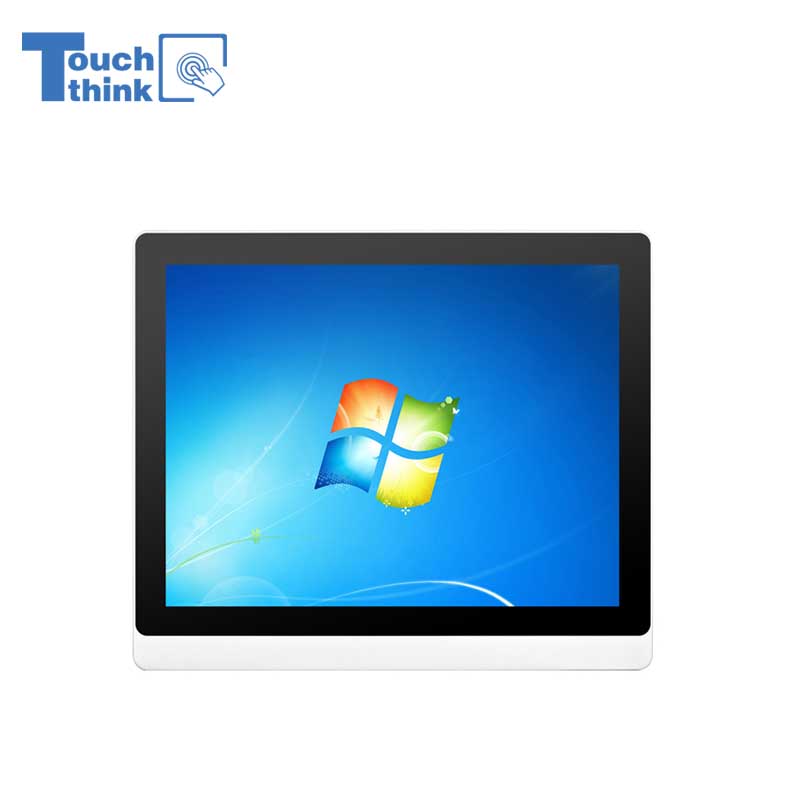
VESA Mount Industrial Touch Panel PC with i3 i5 i7 Processor Desktop Computer 8GB DDR4 128GB SSD VIEW MORE
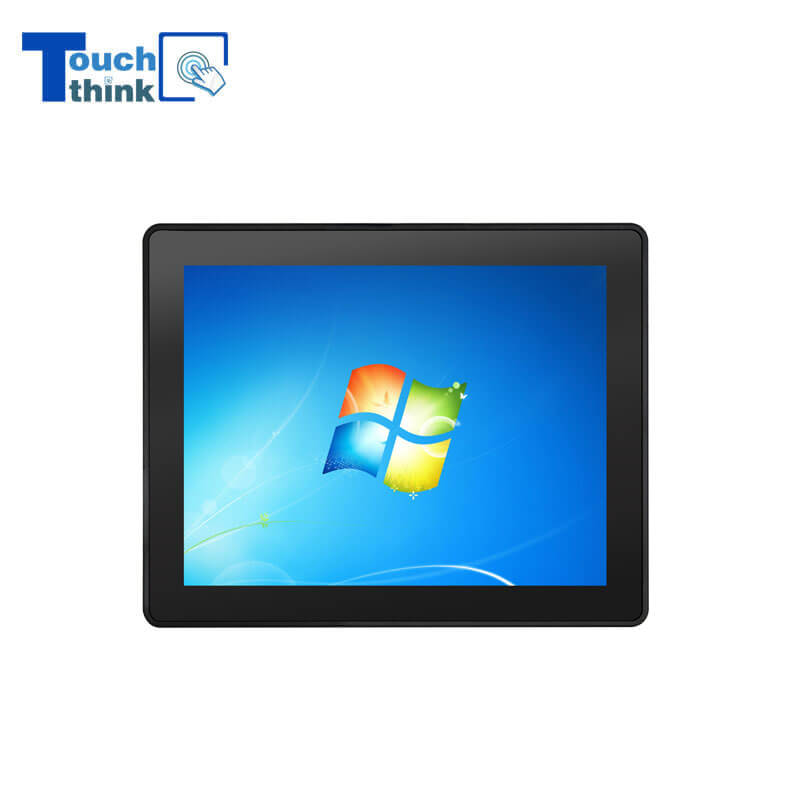
Rugged IP65 Industrial Touchscreen Computer Industrial HMI Panel PC VIEW MORE

8 inch Facial Recognition Terminal For Turnstile Access Control VIEW MORE
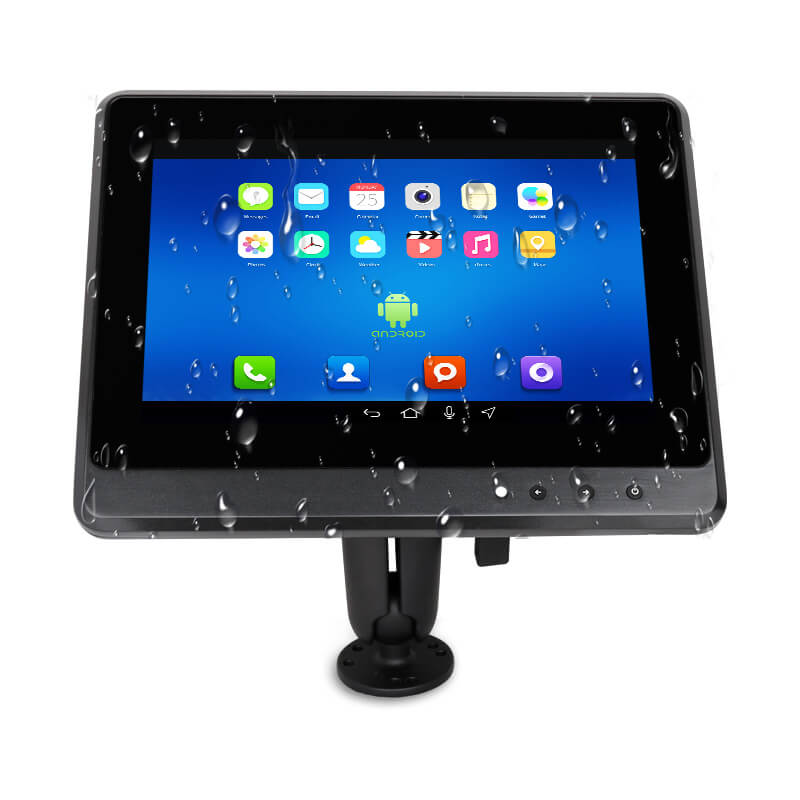
Android In-Vehicle Industrial Panel PC Vehicle AGV Computer VIEW MORE

Copyright © Shenzhen Touch Think Intelligence Co.,Ltd. All Rights Reserved Update cookies preferences