E-mail: touchtec@sztouchtec.com


Embedded industrial all-in-one PCs combine industrial computing hardware, a display, and often a touchscreen interface into a compact integrated platform. Unlike conventional desktop computers, they are designed for continuous operation, machine integration, limited installation space, and demanding industrial environments.
An embedded industrial all-in-one PC can be used as an HMI terminal, machine control computer, production workstation, MES terminal, logistics terminal, or operator interface. Depending on the application, configurations can be based on X86 or ARM processors and can support Windows, Linux, Android, or other operating systems.
This guide explains the main advantages, applications, and selection considerations of embedded industrial all-in-one PCs.
An embedded industrial all-in-one PC integrates computing components and a display into one industrial-grade enclosure. Compared with a separate industrial computer and monitor, the integrated design can reduce installation space, simplify wiring, and make system integration easier.
The computer can be embedded directly into a machine, control cabinet, production workstation, kiosk, vehicle, or other equipment.
Depending on the system requirements, an embedded industrial all-in-one PC may include the following componets.
- Industrial LCD display
- Projected capacitive or resistive touchscreen
- X86 or ARM processor
- RAM and storage
- Ethernet ports
- USB interfaces
- RS232/RS485 serial interfaces
- HDMI or VGA output
- CAN bus or GPIO
- Wi-Fi and Bluetooth
- Optional 4G/5G connectivity
- Wide-voltage DC power input
This combination makes the embedded all-in-one PC suitable for applications where computing, visualization, and operator interaction need to be integrated into a single terminal.
1. Compact and Space-Saving Design
Industrial equipment often has limited internal space. A conventional computer, monitor, and separate peripherals can require additional mounting space and create complicated cabling.
An embedded industrial all-in-one PC combines the major components into one unit. It can therefore be integrated into control cabinets, machine panels, workstations, and other equipment with limited available space.
The compact structure also helps system designers simplify the overall equipment architecture.
2. Fanless and Low-Maintenance Operation
Fanless cooling is widely used in industrial embedded computers because it eliminates the need for a mechanical cooling fan.
Without a rotating fan, the computer has fewer moving parts and does not require an air path specifically designed for fan cooling. This can reduce maintenance requirements and help prevent dust from being actively drawn into the enclosure.
Fanless designs are particularly useful for:
- Factory automation
- Machine control
- Industrial HMI
- Production lines
- Control cabinets
- Logistics equipment
- Outdoor or semi-outdoor installations
The actual operating temperature and cooling capability should always be evaluated according to the processor, enclosure design, installation environment, and workload.
3. Reliable Operation in Industrial Environments
Industrial computing equipment may operate continuously in environments exposed to vibration, temperature changes, electrical interference, dust, and other conditions that are less common in office environments.
An industrial all-in-one PC can be designed with features such as Rugged metal housing, Fanless thermal design, Wide operating temperature range, Wide DC voltage input, Front-panel protection, EMI-resistant design, and Vibration-resistant construction.
These features can make an embedded industrial panel PC more suitable for long-term machine and automation applications than a conventional commercial desktop computer.
4. Flexible Interfaces for Industrial Integration
Industrial equipment rarely relies only on standard USB and Ethernet connections.
Depending on the application, an embedded industrial all-in-one PC may need to communicate with PLCs, sensors, barcode scanners, printers, cameras, controllers, and other devices.
Common industrial interfaces include RS232, RS485, CAN Bus, GPIO, Ethernet, USB, HDMI, VGA, Audio, and Digital I/O.
The required interfaces should be determined during system design because they directly affect compatibility with existing industrial equipment.
5. Integrated Touchscreen for HMI Applications
A touchscreen can provide a direct interface between operators and industrial equipment.
Instead of using a separate monitor and input device, an industrial touchscreen computer allows operators to view machine status, adjust production parameters, monitor alarms, access HMI software, check production data, operate machine functions, and view manufacturing information.
Projected capacitive touchscreens are commonly selected when multi-touch interaction and a smooth glass surface are important. Resistive touchscreens may be considered for applications where users frequently operate the screen with gloves or other tools.
The appropriate touch technology should be selected according to the actual operating environment.
Embedded industrial all-in-one PCs can serve as computing and visualization terminals across many industries.
1. Industrial Automation and Machine Control
Machine builders can integrate an embedded industrial all-in-one PC directly into automation equipment.
Typical applications include:
- CNC machines
- Packaging machines
- Welding equipment
- Textile machinery
- Assembly equipment
- Inspection machines
- Robotic workstations
- Process-control equipment
The integrated display and computer allow operators to interact directly with the machine while monitoring operating conditions.
2. HMI and Production Line Workstations
An embedded industrial PC can function as the central HMI terminal of a production line.
Operators can use the touchscreen to view the production status, machine parameters, alarm information, production counts, equipment status, and process information.
For production environments, the computer can also communicate with PLCs, sensors, industrial networks, and other automation equipment.
3. Smart Manufacturing and MES
Smart manufacturing systems increasingly require computing terminals at the production-floor level.
An embedded industrial all-in-one PC can be used as an operator terminal for MES applications, allowing workers to access production information directly at the workstation.
Typical functions include:
- Work-order management
- Production data collection
- Process tracking
- Quality inspection
- Operator identification
- Equipment status monitoring
- Production traceability
For applications requiring barcode, QR code, NFC, or card identification, additional peripheral modules can also be integrated into the system.
4. Logistics and Warehouse Automation
Warehouses and distribution centers require rugged computing terminals for inventory management and material handling.
Embedded industrial PCs can be integrated into sorting stations, conveyor systems, warehouse workstations, AGV systems, material tracking stations, and package handling equipment.
With Ethernet, Wi-Fi, barcode scanning, and other interfaces, the terminal can connect operators and equipment with warehouse management systems.
5. Transportation and Vehicle Systems
Embedded computers can also be installed in vehicles and mobile equipment where space and vibration resistance are important.
Applications may include AGVs, industrial vehicles, fleet management terminals, transportation control systems, and vehicle-mounted information terminals.
For mobile applications, system designers should pay particular attention to input voltage, vibration resistance, operating temperature, and mounting stability.
6. Self-Service and Smart Commercial Equipment
Industrial all-in-one computers are not limited to factories.
They can also be integrated into self-service kiosks, smart retail terminals, visitor management systems, access control systems, smart payment equipment, and information terminals.
When cameras, card readers, barcode scanners, printers, or other peripherals are required, an industrial all-in-one computing platform can simplify system integration.
Selecting the right industrial computer requires more than choosing the processor and screen size. You also need to considering the following factors.
1. Processor Performance
2. Display Size and Touch Technology
3. Operating System
4. I/O Interfaces
5. Power Input
6. Operating Temperature
7. Mounting Method
8. Long-Term Availability and Customization
These factors can be particularly important for machine builders deploying the same hardware across multiple production projects.
An embedded industrial all-in-one PC provides an integrated solution for applications that require industrial computing, visualization, and operator interaction in a limited installation space.
Its compact structure, fanless options, industrial interfaces, touchscreen capabilities, and flexible mounting methods make it suitable for a wide range of industrial and commercial applications.
When selecting an embedded industrial all-in-one PC, system designers should evaluate processor performance, operating system, display and touch technology, I/O interfaces, power input, operating temperature, mounting method, and long-term product availability.
Touch Think provides industrial monitors, industrial panel PCs, embedded industrial PCs, ARM-based industrial computers, and X86-based industrial computing solutions for automation, smart manufacturing, logistics, transportation, energy, and other industrial applications.
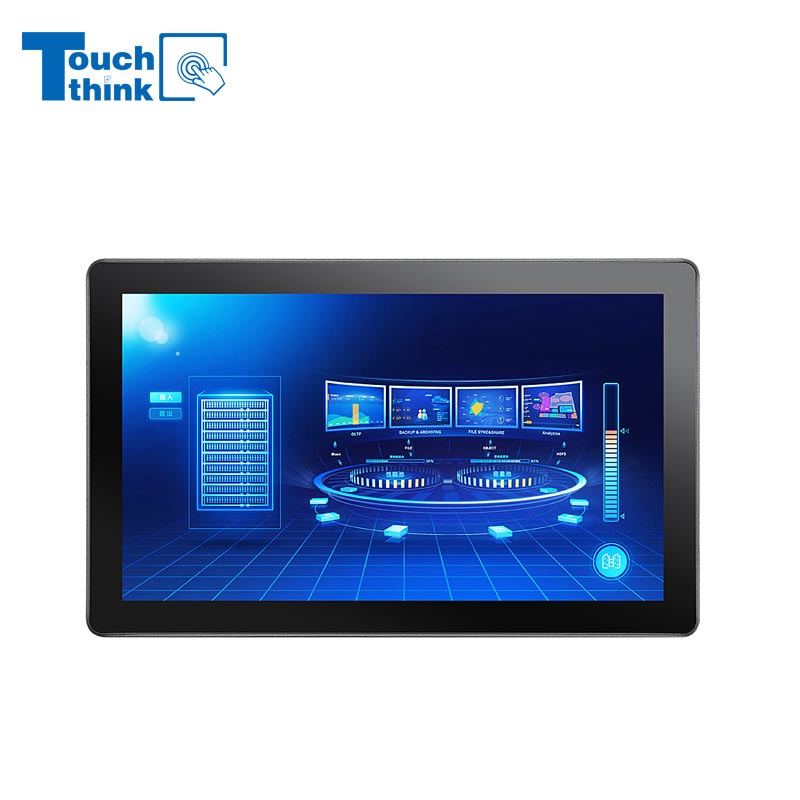
7 inch to 32 inch Options Rear Mount Wide Temperature 24/7 Operation Industrial LCD Monitor VIEW MORE
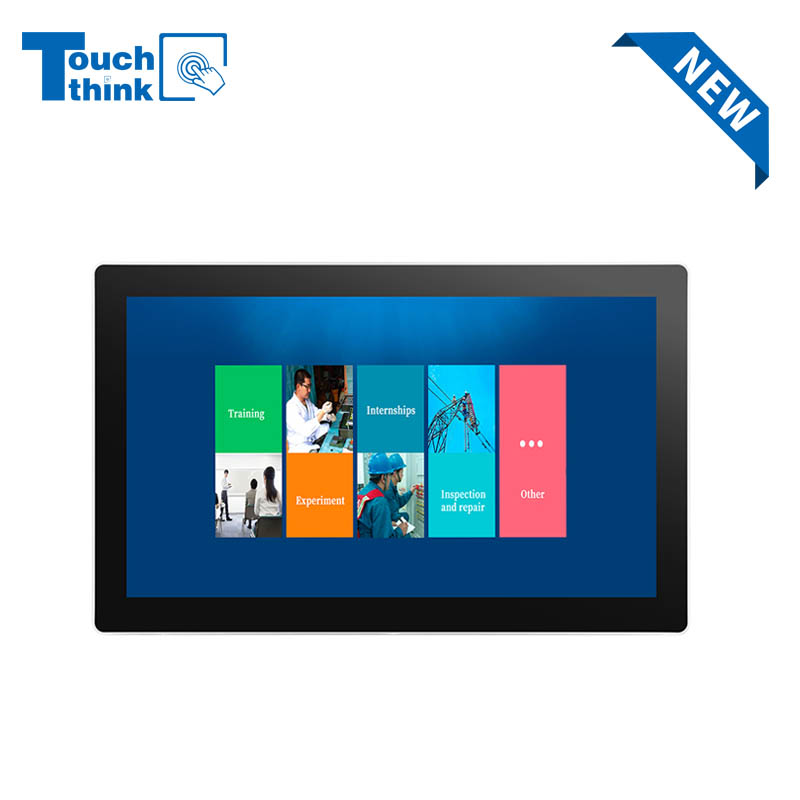
IP65 Wall-Mounted Industrial Touch Screen Monitor | Waterproof HMI Display VIEW MORE
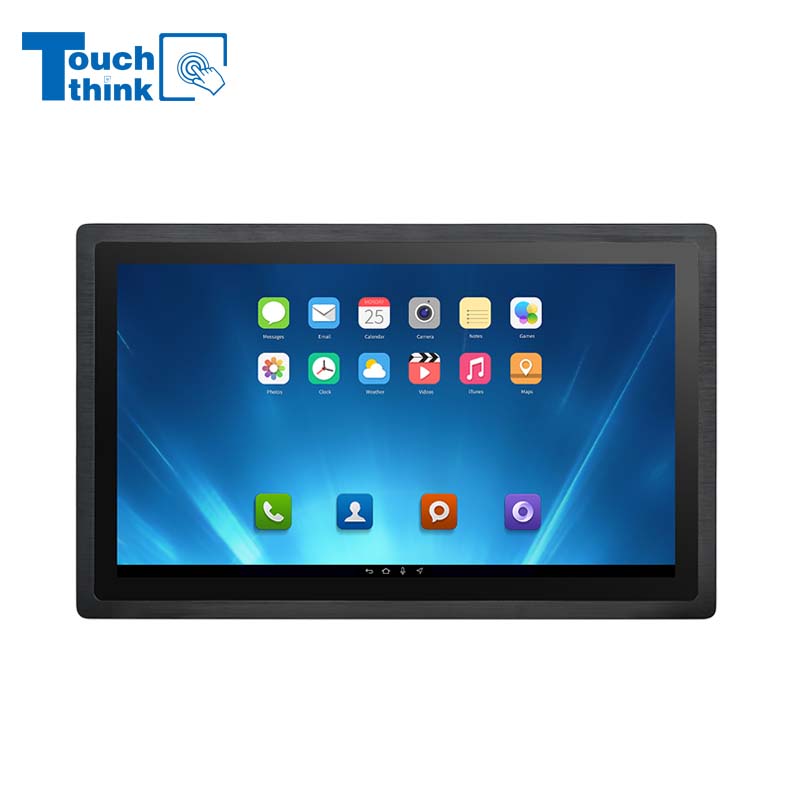
23.8 Inch Industrial Panel PC, Slim Ultra-Thin Design, Multiple I/O Ports, Rugged Touch Computer for IIoT VIEW MORE
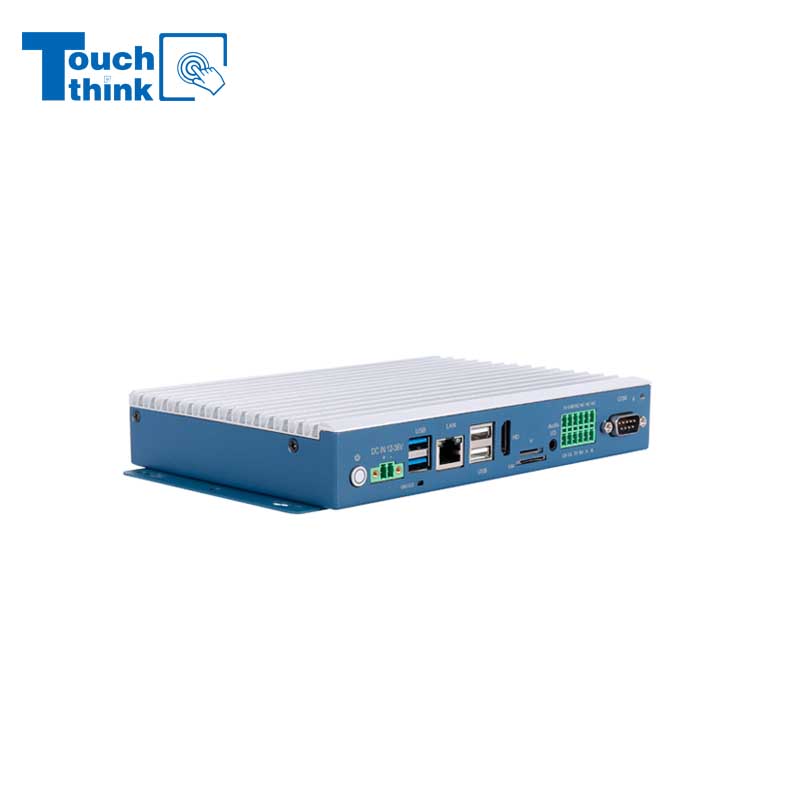
Embedded Fanless Computer ARM Cortex-A55 Quad-Core 64-bit Computers with 1TOPS NPU and Wi-Fi 6 Capabilities VIEW MORE
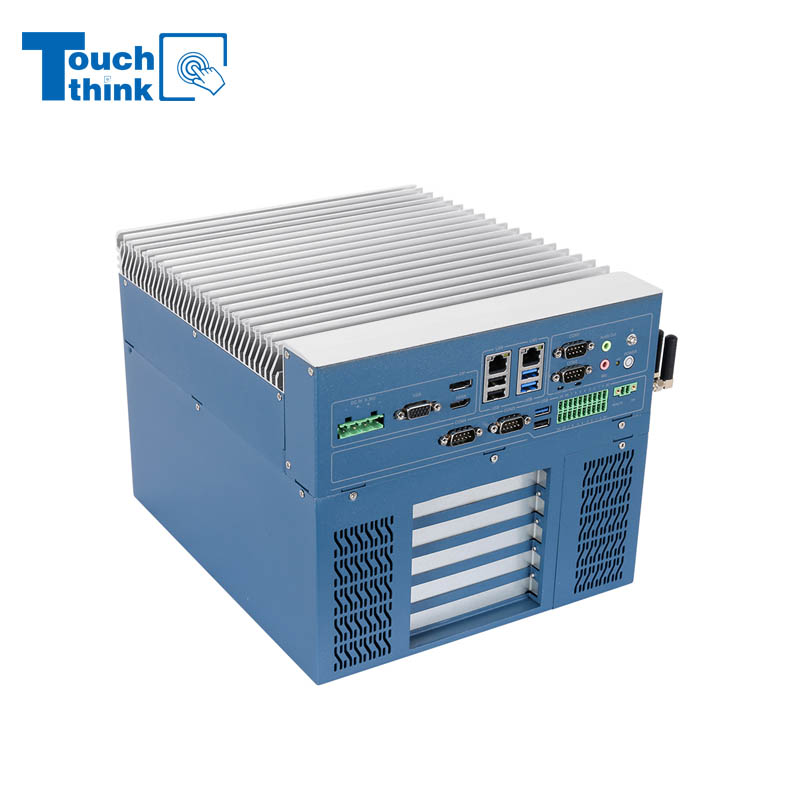
High Expandability Industrial Embedded PC with Expansion Slots PCIex16 PCIex4 9 to 36V Input VIEW MORE
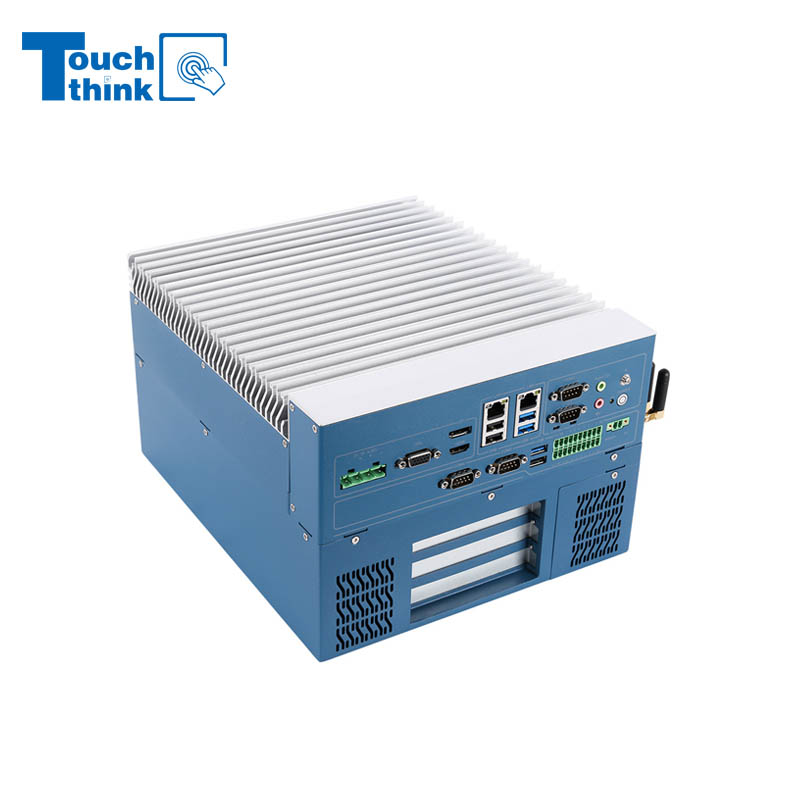
Modular Embedded Computer with Intel® Core 12/13/14th-Gen Processor 2.5GbE LAN VIEW MORE
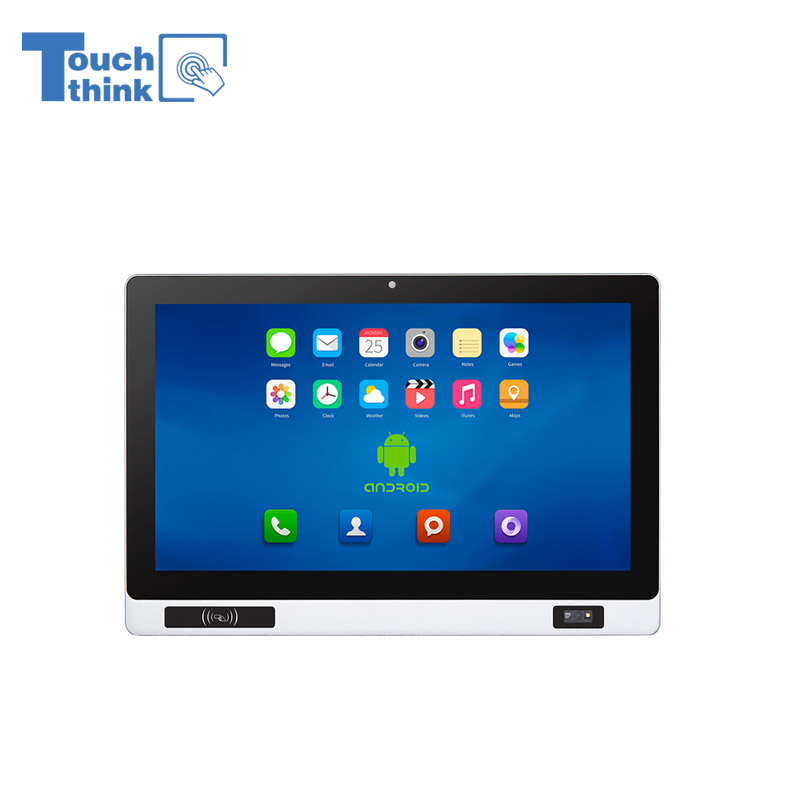
Industrial Panel PC with NFC and QR Code Scanning Functions for Smart Factory VIEW MORE
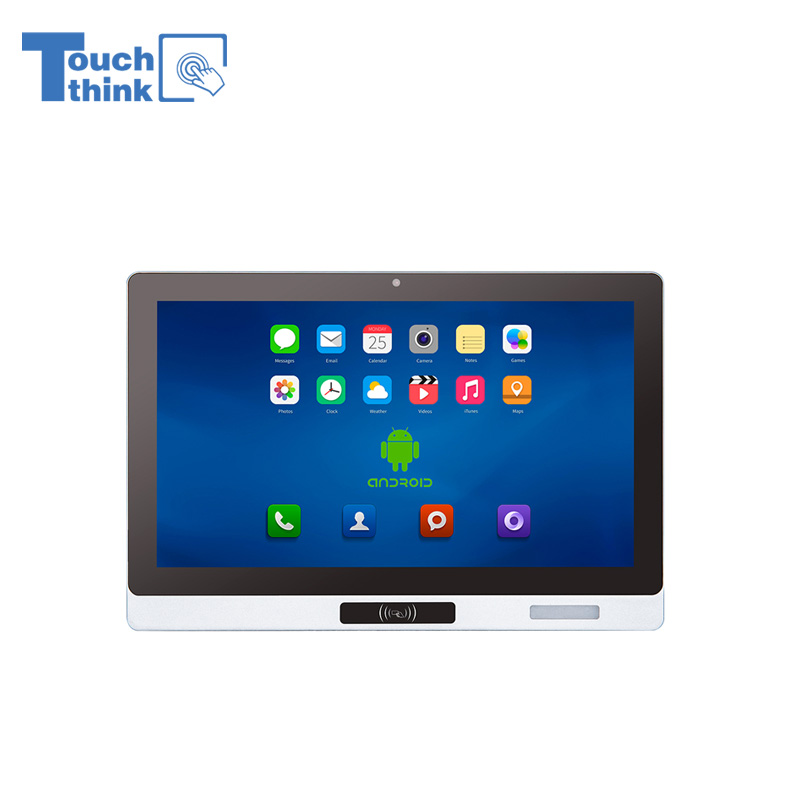
All-in-One Android Panel PCs with NFC/Camera For MES System in Digital Factory 24/7 Use VIEW MORE
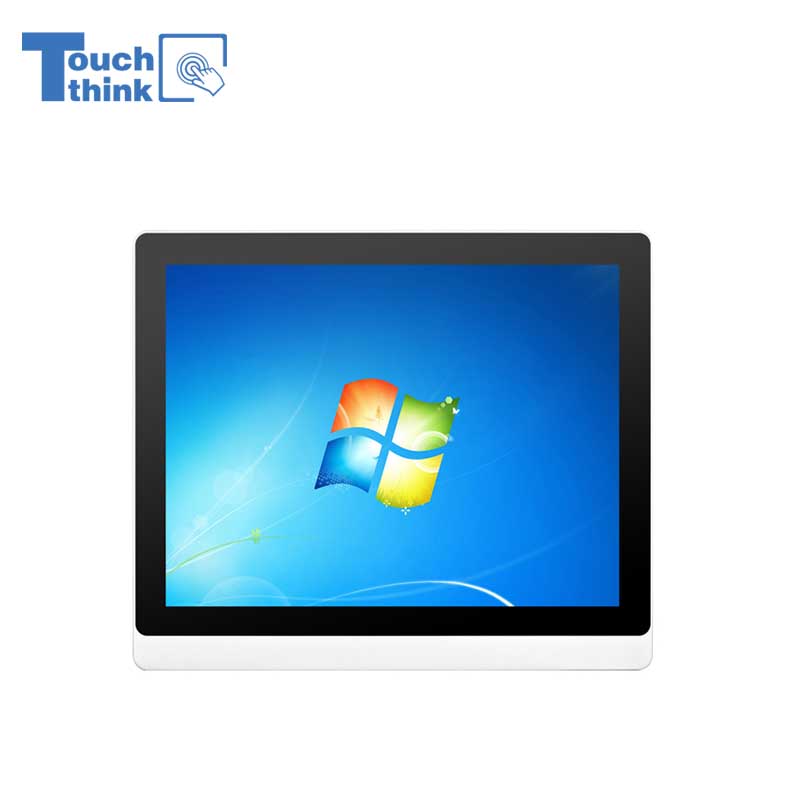
VESA Mount Industrial Touch Panel PC with i3 i5 i7 Processor Desktop Computer 8GB DDR4 128GB SSD VIEW MORE
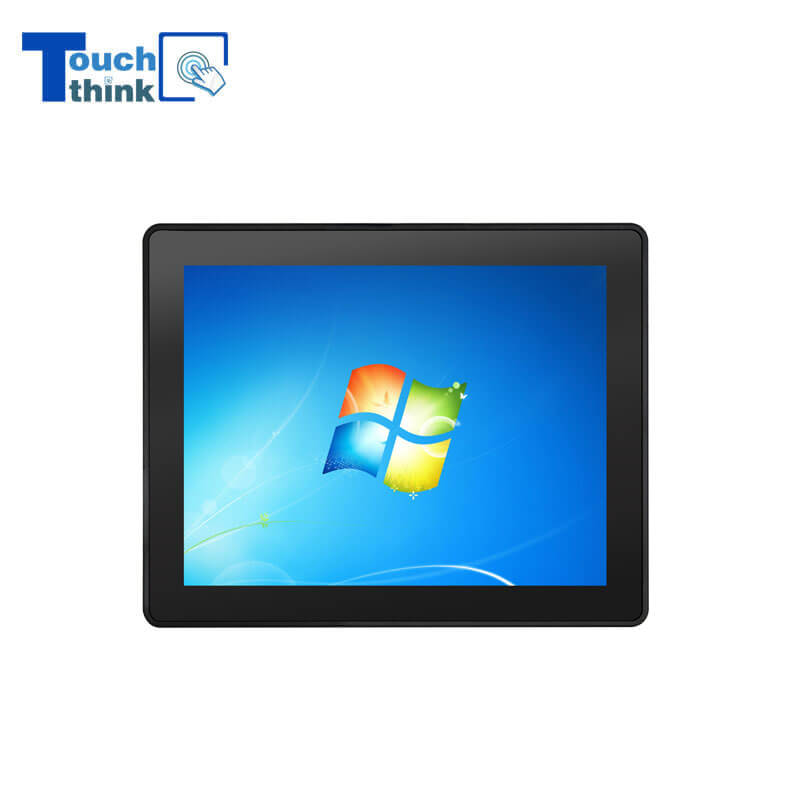
Rugged IP65 Industrial Touchscreen Computer Industrial HMI Panel PC VIEW MORE
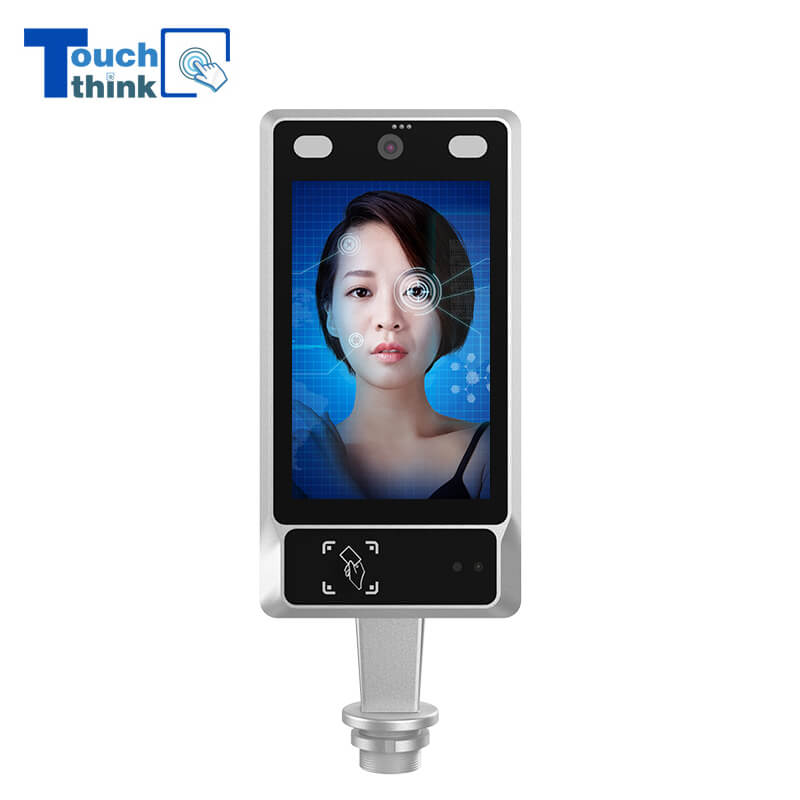
8 inch Facial Recognition Terminal For Turnstile Access Control VIEW MORE
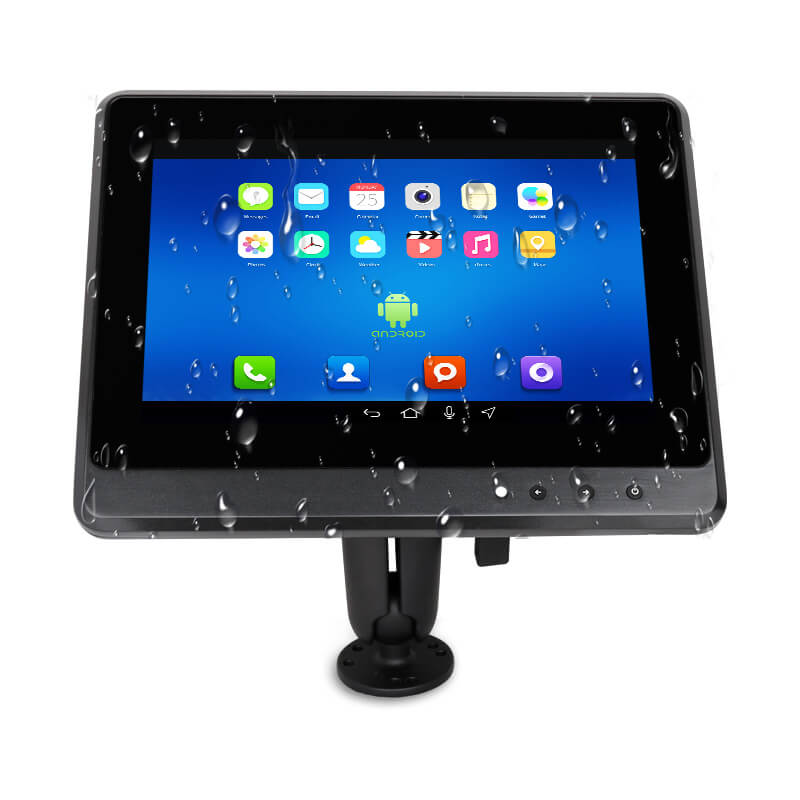
Android In-Vehicle Industrial Panel PC Vehicle AGV Computer VIEW MORE

Copyright © Shenzhen Touch Think Intelligence Co.,Ltd. All Rights Reserved Update cookies preferences