E-mail: touchtec@sztouchtec.com


Industrial Android PCs are widely used in machine interfaces, self-service terminals, smart manufacturing, and embedded control systems. However, selecting a suitable device involves more than checking whether it runs Android. Software compatibility, peripheral connectivity, communication interfaces, display performance, and long-term operating requirements must all be evaluated before deployment.
For equipment manufacturers and system integrators, understanding these factors helps reduce integration risks, shorten development cycles, and build more reliable industrial applications.
1. What Does Compatibility Mean for an Industrial Android PC?
Compatibility refers to the ability of an industrial computing platform to work correctly with the software, hardware, and communication systems required by a specific application.
For an industrial Android PC, compatibility generally involves four areas.
Application compatibility: The operating system, Android API level, processor architecture, and available system services must meet the application's requirements.
Peripheral compatibility: External devices such as barcode scanners, USB peripherals, cameras, printers, and other accessories must work with the available interfaces and drivers.
Communication compatibility: Ethernet, Wi-Fi, Bluetooth, serial ports, and other supported interfaces must meet the communication requirements of the connected equipment.
System integration compatibility: The device must fit the intended mechanical installation, display and touch requirements, power supply, operating environment, and system architecture.
These factors should be evaluated together. A device may support Android applications in general but still require additional development or configuration to operate with a particular industrial system.
2. Software Compatibility: What Should You Check?
Android provides a flexible software environment for embedded applications. Its suitability for an industrial project, however, depends on the requirements of the application rather than the operating system alone.
Android Version and API Requirements
Before selecting a device, identify the Android version and API level required by the application. Confirm that the target device supports the necessary APIs, system permissions, background services, and other platform features.
Applications developed for a specific Android version may behave differently on another version. Features involving device management, background execution, USB access, or system-level permissions deserve particular attention.
For projects requiring a customized Android build, discuss system image availability and the required software interfaces with the device supplier before finalizing the hardware.
Processor Architecture and Native Libraries
Android applications may depend on native libraries compiled for specific processor architectures, such as ARM-based platforms.
Check whether the application and all required third-party libraries support the target architecture. If the software relies on proprietary SDKs, hardware acceleration, or native interfaces, verify these dependencies on the intended device.
This step is especially important when migrating an application from one embedded computing platform to another.
Application Deployment and Long-Term Operation
Industrial applications may need to start automatically after power-on, operate in kiosk mode, reconnect to a server, or recover from unexpected application failures.
Test the complete operating sequence, including:
- Application installation and startup after reboot.
- Required permissions and background services.
- Network reconnection after an interruption.
- Data retention and recovery after a power cycle.
- Application updates and version management.
- Continuous operation under the expected workload.
These tests help identify issues that may not appear during a short demonstration.
3. Hardware and Peripheral Compatibility
Hardware compatibility is equally important when an industrial Android PC serves as an operator terminal or an embedded computing platform.
USB Devices and Barcode Scanners
USB peripherals may require different connection methods, power levels, drivers, or SDKs. A barcode scanner that works on a desktop computer should not automatically be assumed to work with every Android device.
Confirm whether the scanner supports USB HID, serial communication, or a vendor-specific protocol. If an SDK is required, verify that it supports the target Android version and processor architecture.
For projects involving QR code reading, RFID readers, cameras, or printers, test the actual peripheral model and its intended operating mode.
Serial Communication and Industrial Equipment
RS-232, RS-485, and TTL interfaces may be used to connect industrial instruments, controllers, sensors, or other equipment, depending on the hardware configuration.
The physical interface alone does not guarantee compatibility. Check the electrical specifications, connector pinout, baud rate, data format, communication protocol, and software access method.
If the application communicates with a PLC or other industrial controller, validate the required protocol and data exchange process. Modbus RTU or Modbus TCP, for example, may require application-level implementation or compatible communication software.
Confirm the exact interfaces and protocol support for the selected hardware before deployment.
Display, Touchscreen, and External Interfaces
For human-machine interface applications, compatibility also includes display resolution, orientation, touch input, and user-interface scaling.
Check whether the application supports the target screen resolution and aspect ratio. Verify touch accuracy, multi-touch behavior where required, and operation with the intended gloves or protective covers.
For applications requiring an external display, camera, or other expansion device, confirm that the necessary interface and software support are available on the selected platform.
4. How Industrial Android PCs Integrate with Existing Systems
An industrial Android PC may function as the operator-facing terminal in a larger automation or information system.
For example, in a production environment, the device may display work instructions, collect operator input, read barcode information, and exchange data with a manufacturing management platform.
A typical integration architecture may include:
- An Android panel PC running the operator interface.
- USB or serial peripherals for data collection.
- Ethernet or Wi-Fi for network communication.
- Application software for data processing and visualization.
A server, database, PLC, or manufacturing platform providing the required business or control functions.
The Android PC does not automatically replace a PLC, industrial controller, or dedicated real-time control system. Its role should be defined according to the application architecture, response-time requirements, and control responsibilities.
For browser-based HMI or web applications, also verify browser compatibility, supported web technologies, network availability, and the behavior of the application in full-screen or kiosk mode.
5. A Practical Compatibility Testing Checklist
Before approving an industrial Android PC for deployment, use a structured test process to verify the complete application environment.
Step 1: Confirm Application Requirements
Document the required Android version, API level, processor architecture, application dependencies, network services, and system permissions.
Step 2: Verify Interfaces and Peripherals
List every external device and communication interface. Confirm the electrical specifications, drivers, SDKs, and protocols needed for each connection.
Step 3: Test on the Target Hardware
Install the actual application on the intended device and test its main functions, display behavior, touch input, peripheral connections, and communication with external systems.
Step 4: Evaluate Continuous Operation
Run the application under its expected workload. Test startup, reboot recovery, network interruptions, data recovery, and other relevant operating conditions.
Step 5: Validate the Installation Environment
Verify the mounting arrangement, power supply, temperature conditions, cable connections, and other application-specific environmental requirements.
Step 6: Document the Approved Configuration
Record the hardware model, Android version, application version, peripheral models, interface settings, and test results. This makes future maintenance and production deployment more consistent.
A compatibility checklist helps teams identify integration risks before installation at the customer site.
6. Choosing an Industrial Android PC for Your Project
The right industrial Android PC depends on the application, required computing performance, available interfaces, installation method, and operating environment.
When evaluating a device, consider the following questions:
Which Android version and APIs does the application require?
Does the application support the selected processor architecture?
Which USB, serial, Ethernet, wireless, or other interfaces are necessary?
Are specific drivers, SDKs, or customized system functions required?
What screen size, resolution, touch technology, and mounting method are needed?
What are the expected operating hours and environmental conditions?
Is customization required for the hardware, interfaces, enclosure, or software platform?
Touch Think offers industrial Android all-in-one PCs for embedded equipment, industrial automation interfaces, self-service terminals, and other application-specific projects.
Explore our Industrial Android Panel PCs to review available product configurations. For projects requiring a different computing architecture, our Android Industrial Motherboards may also be relevant.
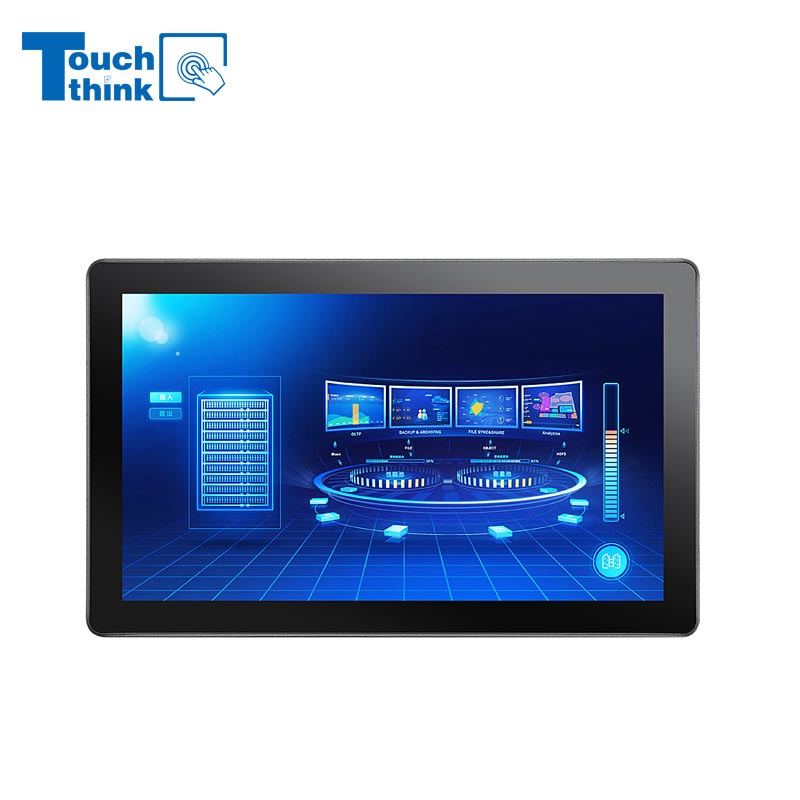
7 inch to 32 inch Options Rear Mount Wide Temperature 24/7 Operation Industrial LCD Monitor VIEW MORE
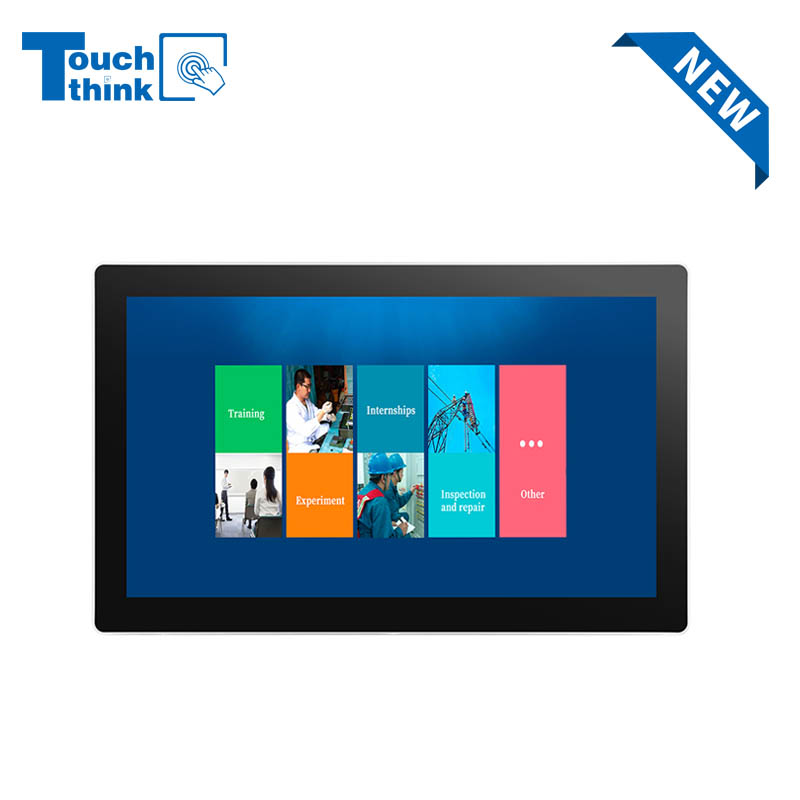
IP65 Wall-Mounted Industrial Touch Screen Monitor | Waterproof HMI Display VIEW MORE
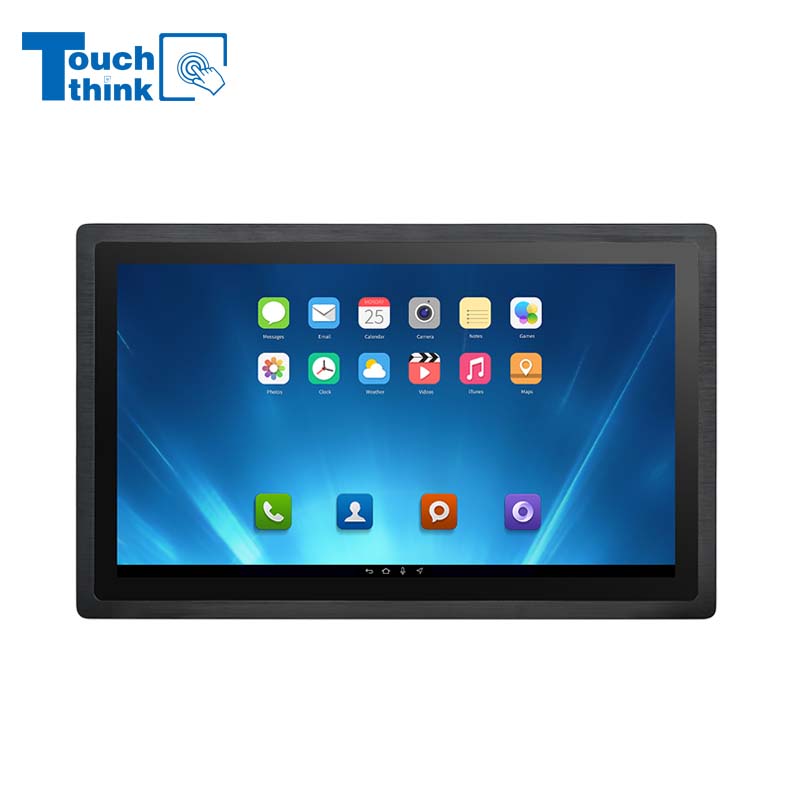
23.8 Inch Industrial Panel PC, Slim Ultra-Thin Design, Multiple I/O Ports, Rugged Touch Computer for IIoT VIEW MORE
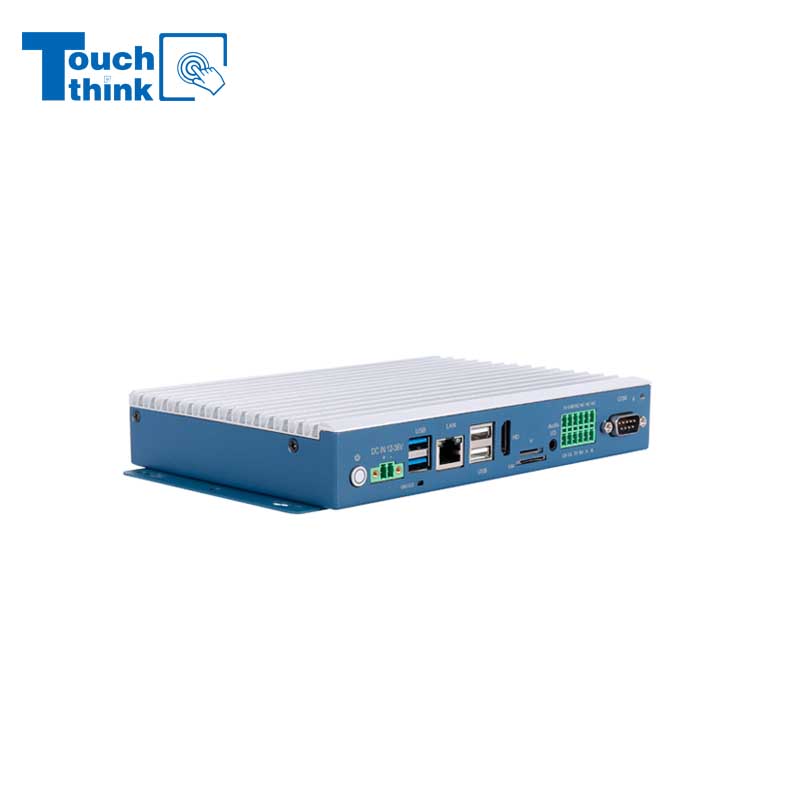
Embedded Fanless Computer ARM Cortex-A55 Quad-Core 64-bit Computers with 1TOPS NPU and Wi-Fi 6 Capabilities VIEW MORE
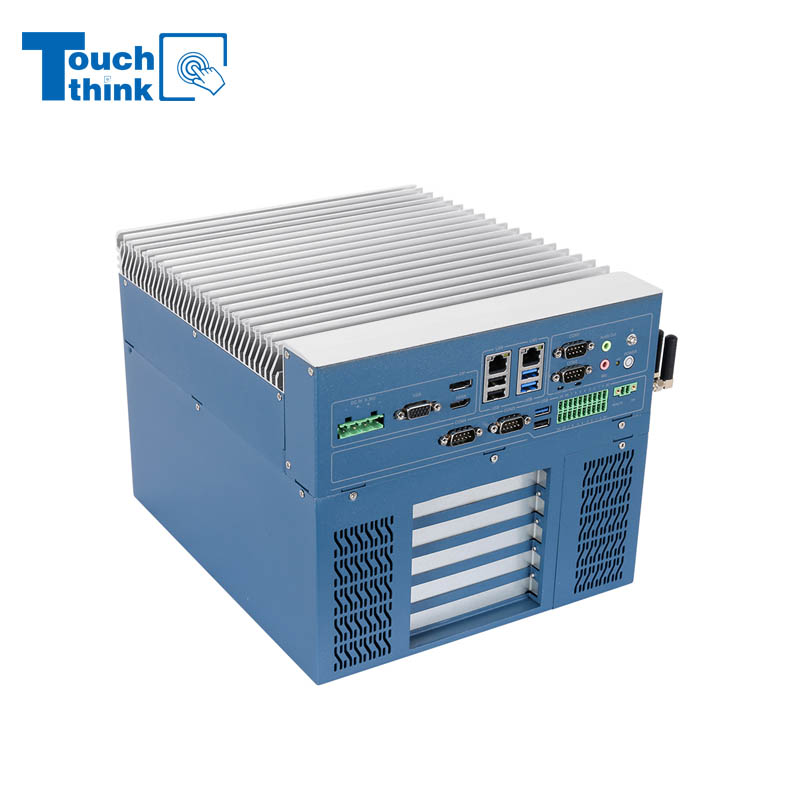
High Expandability Industrial Embedded PC with Expansion Slots PCIex16 PCIex4 9 to 36V Input VIEW MORE
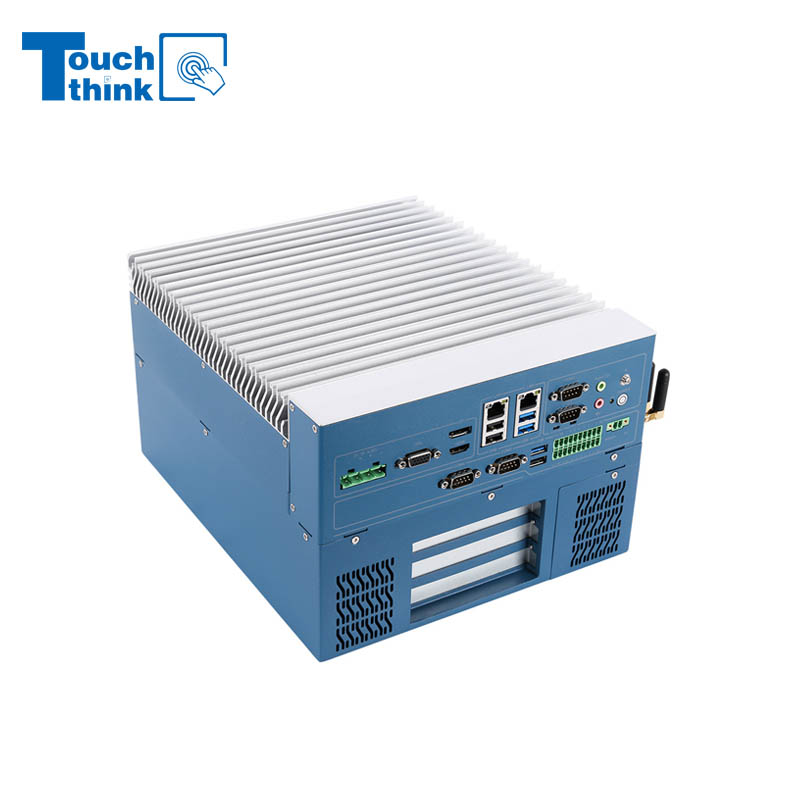
Modular Embedded Computer with Intel® Core 12/13/14th-Gen Processor 2.5GbE LAN VIEW MORE
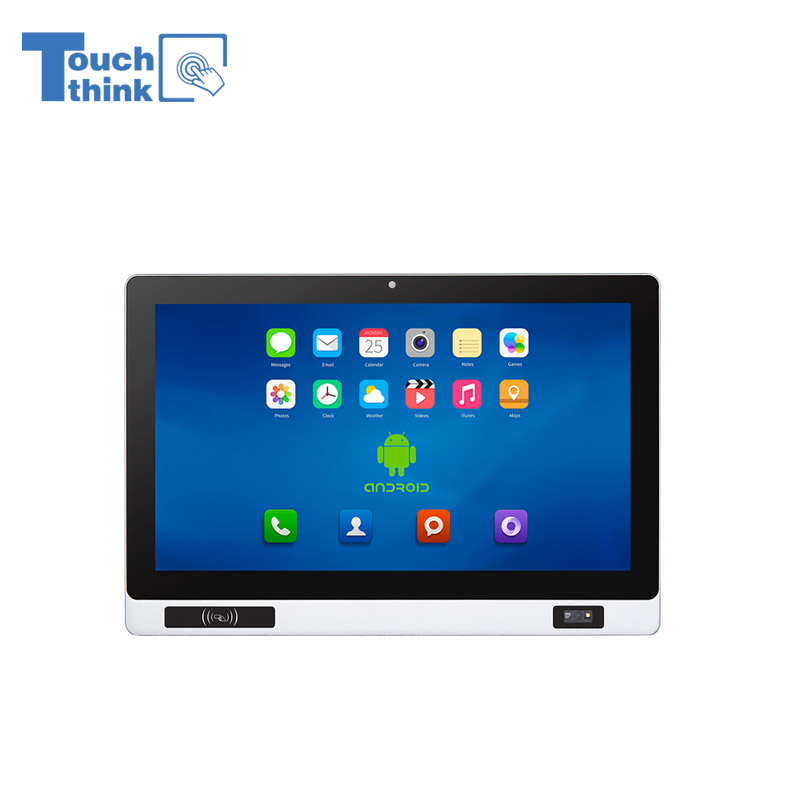
Industrial Panel PC with NFC and QR Code Scanning Functions for Smart Factory VIEW MORE
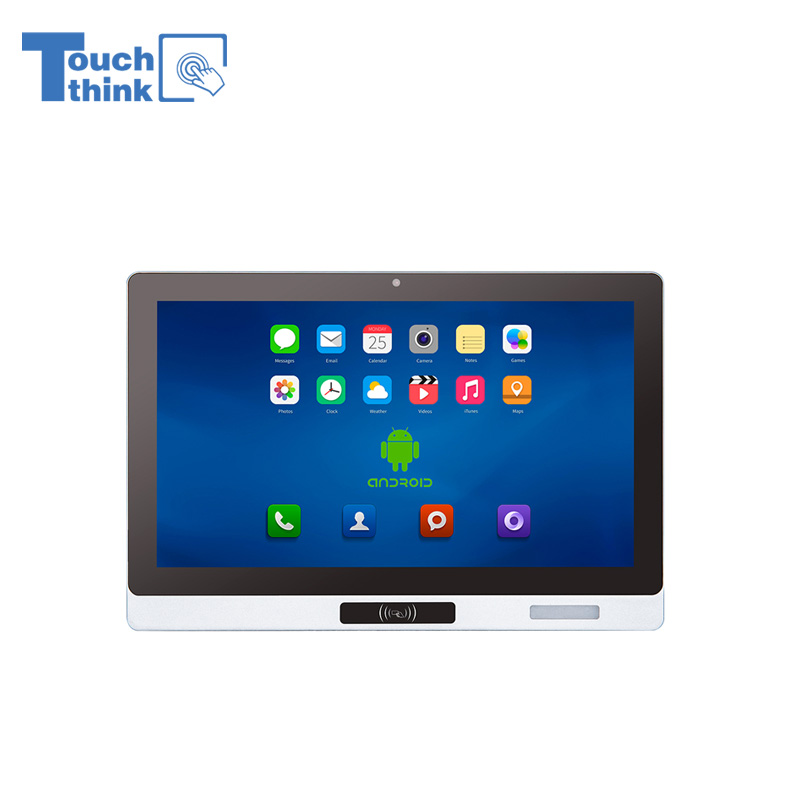
All-in-One Android Panel PCs with NFC/Camera For MES System in Digital Factory 24/7 Use VIEW MORE
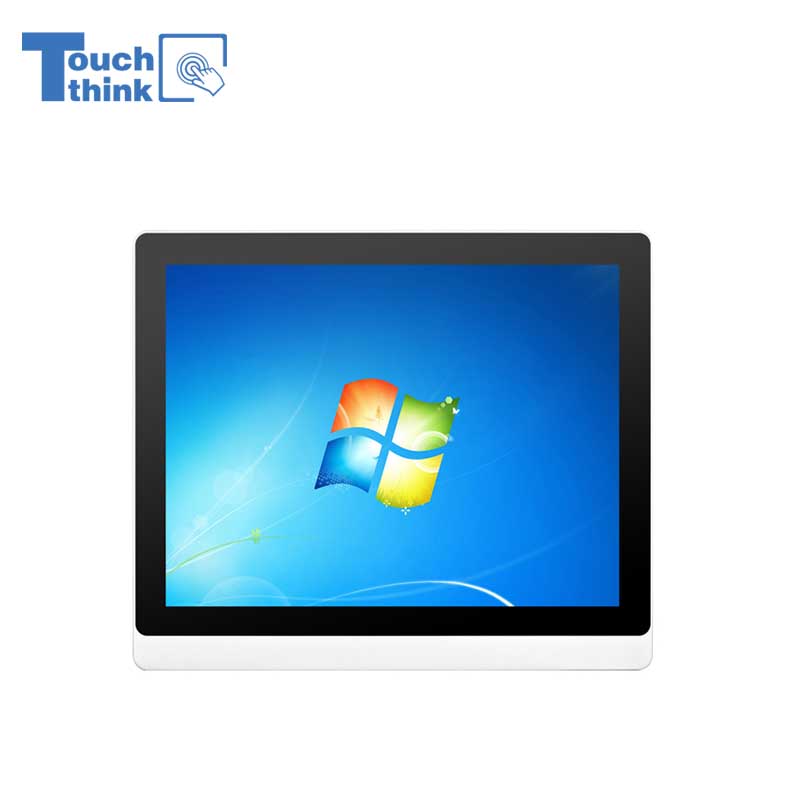
VESA Mount Industrial Touch Panel PC with i3 i5 i7 Processor Desktop Computer 8GB DDR4 128GB SSD VIEW MORE
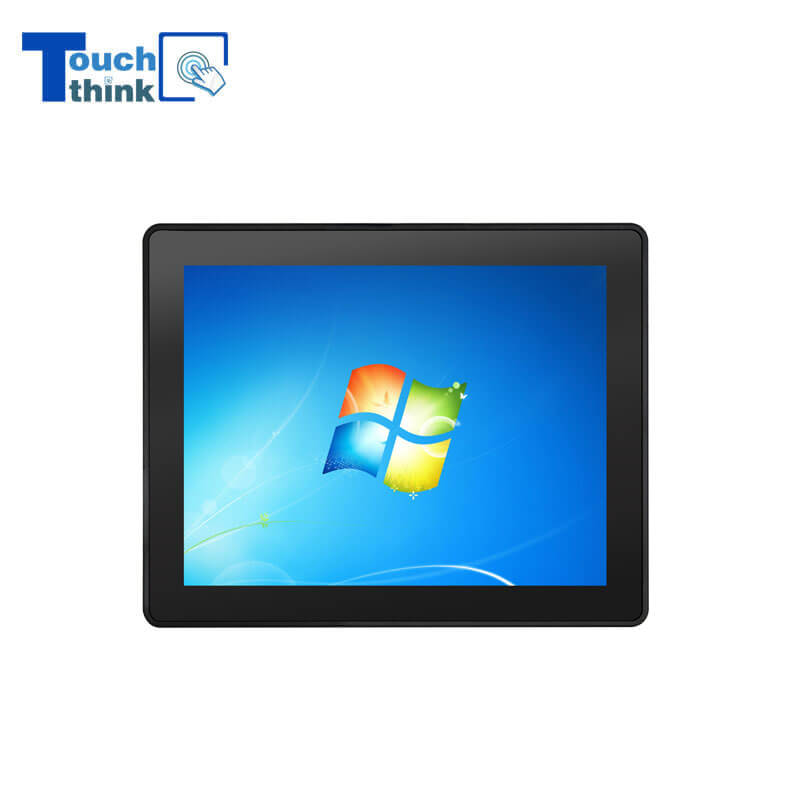
Rugged IP65 Industrial Touchscreen Computer Industrial HMI Panel PC VIEW MORE
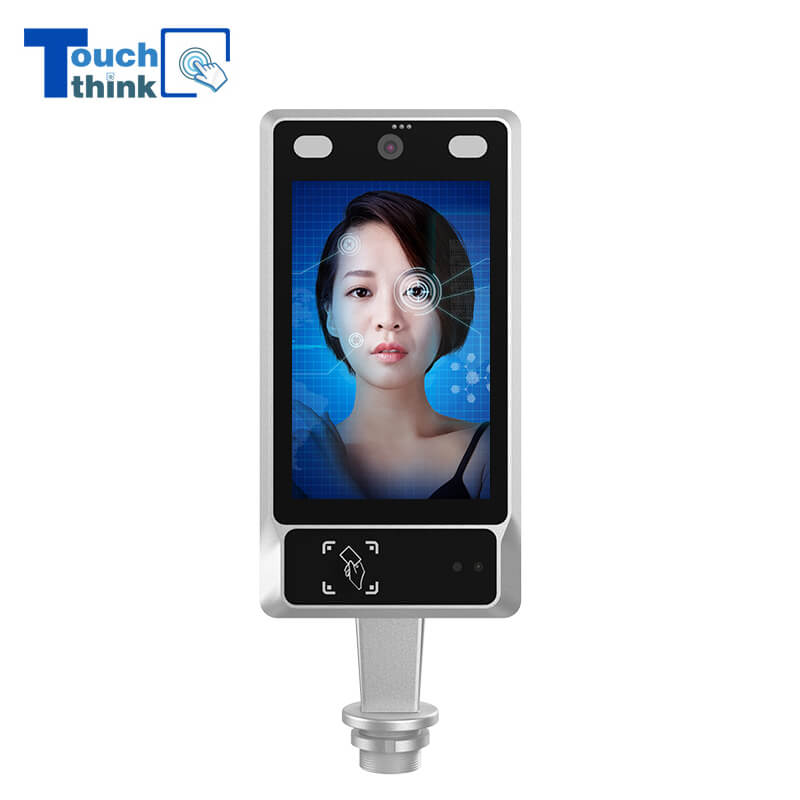
8 inch Facial Recognition Terminal For Turnstile Access Control VIEW MORE
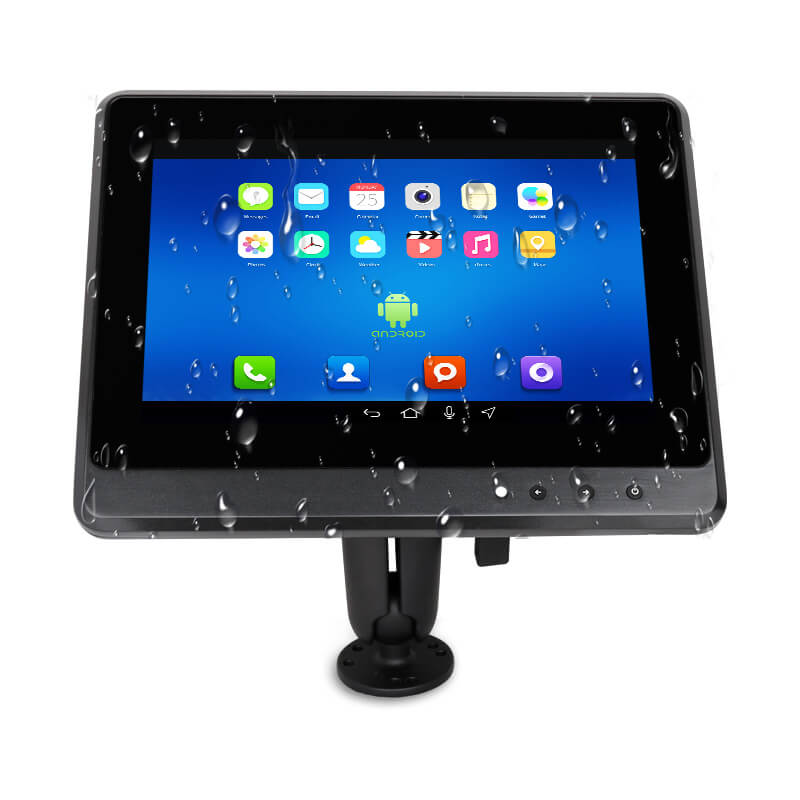
Android In-Vehicle Industrial Panel PC Vehicle AGV Computer VIEW MORE

Copyright © Shenzhen Touch Think Intelligence Co.,Ltd. All Rights Reserved Update cookies preferences